
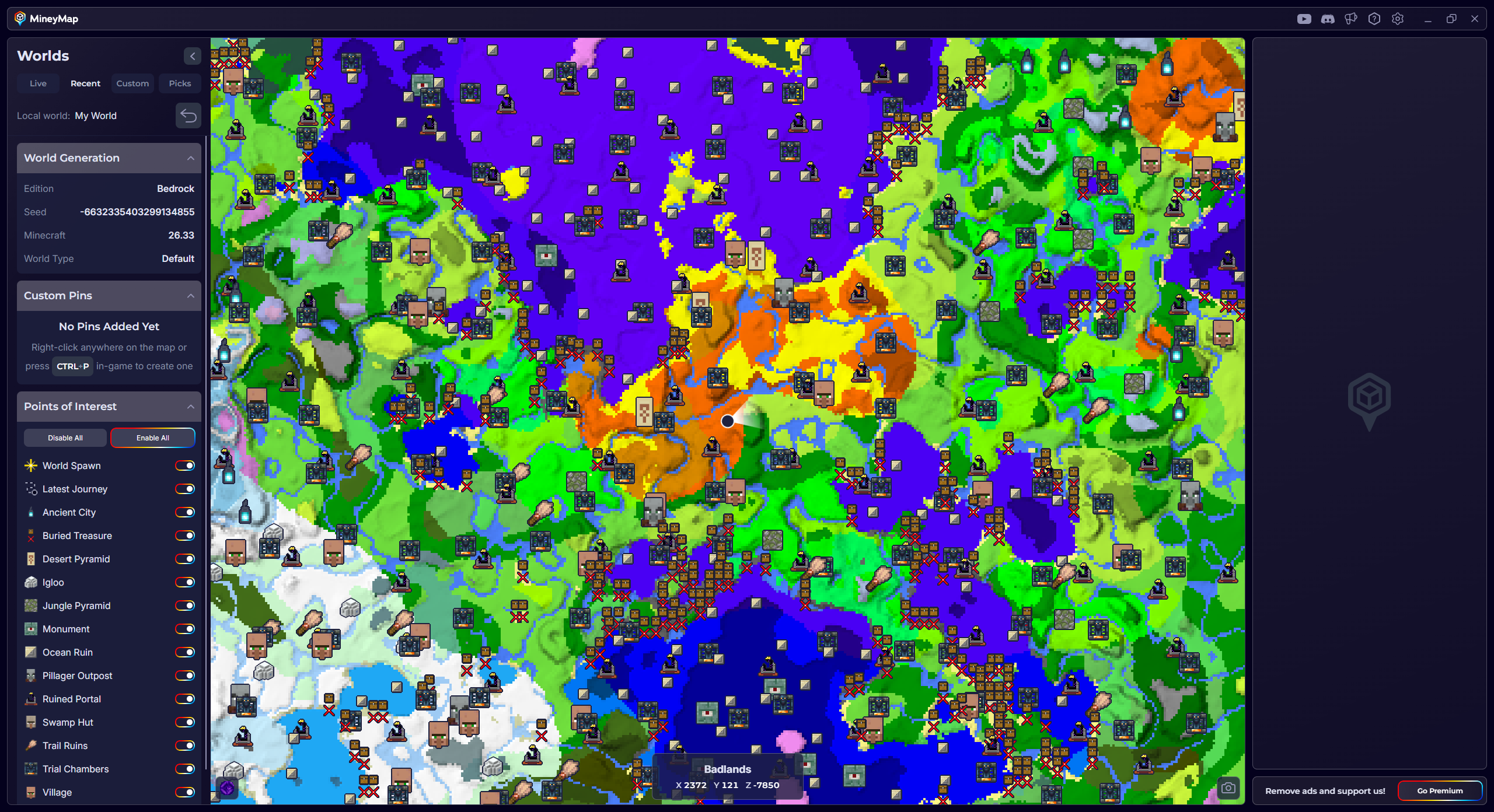
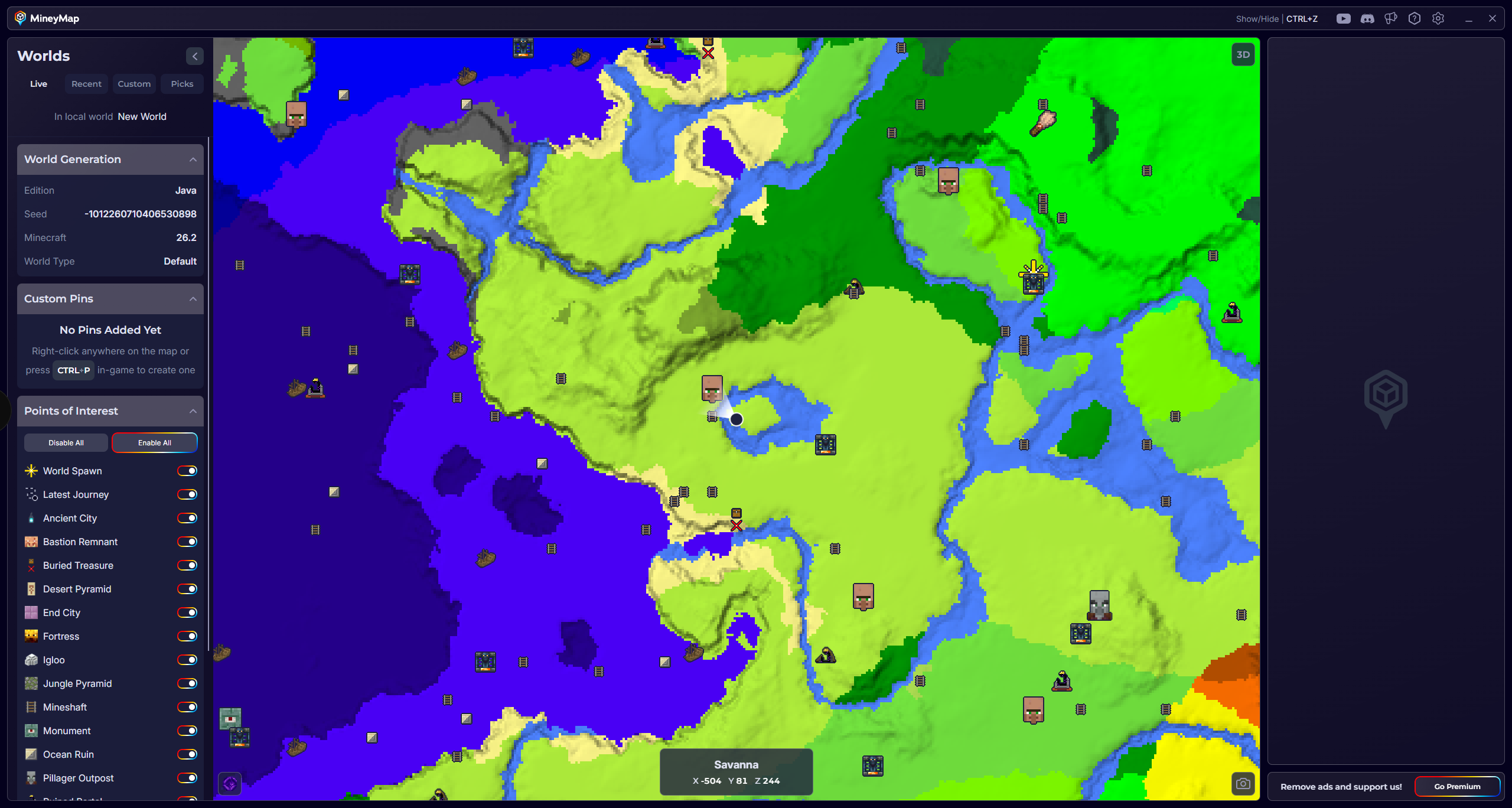
Full world map
Zoom out for the big picture or dive into the terrain, structures, and places that make your world unique
Your World, Clearly Mapped
See your entire world, track your live location, discover structures and points of interest, then keep every adventure within reach
Free Contains ads Subscription available
A clearer way to explore
See the world around you, stay oriented while you explore, and find everything important on one map across Java and Bedrock worlds
Zoom out for the big picture or dive into the terrain, structures, and places that make your world unique
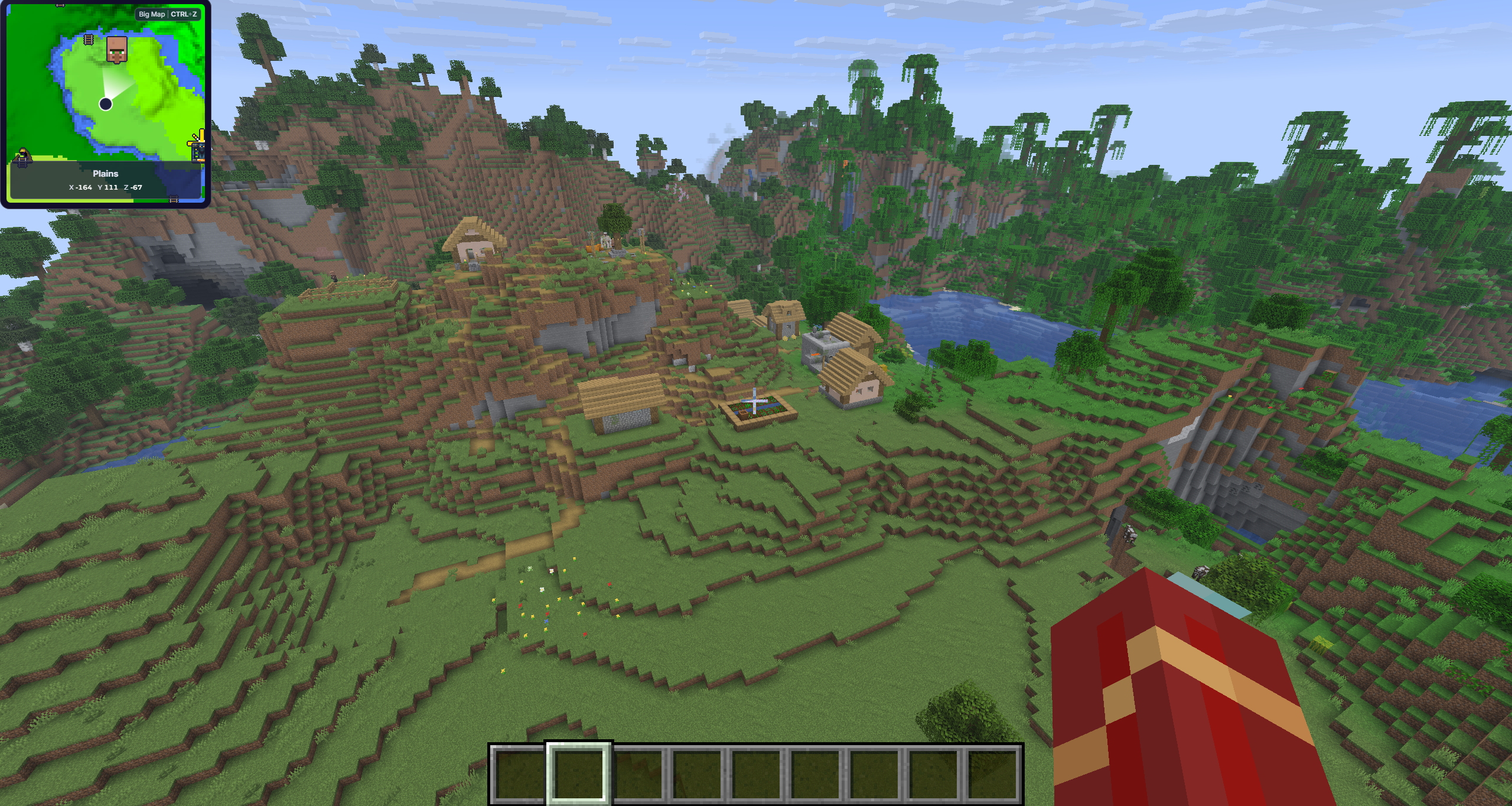
Track movement in real time and stay oriented without breaking the flow of the game
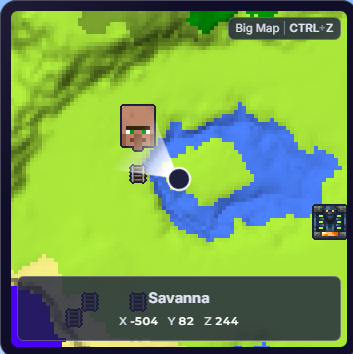
Keep your exact X, Y, and Z visible while you explore and build
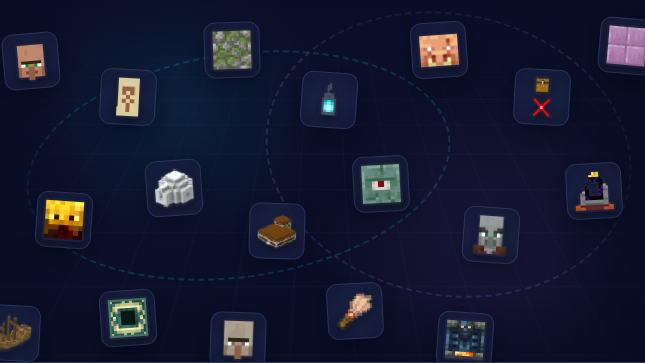
Discover useful structures and locations, organized by type so you can choose what to show
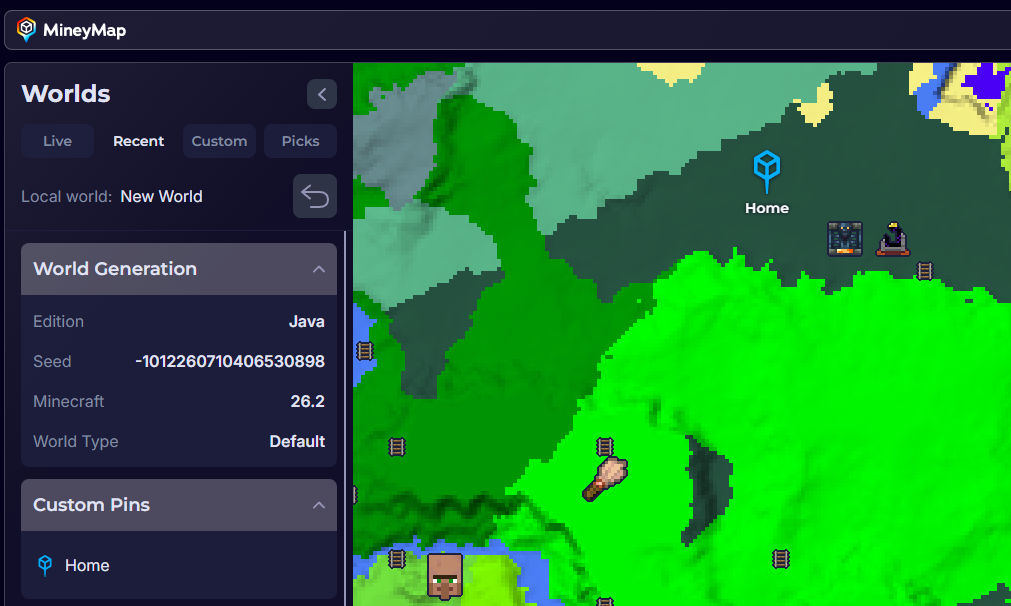
Mark bases, mines, portals, or anything worth remembering, then name and manage every saved place
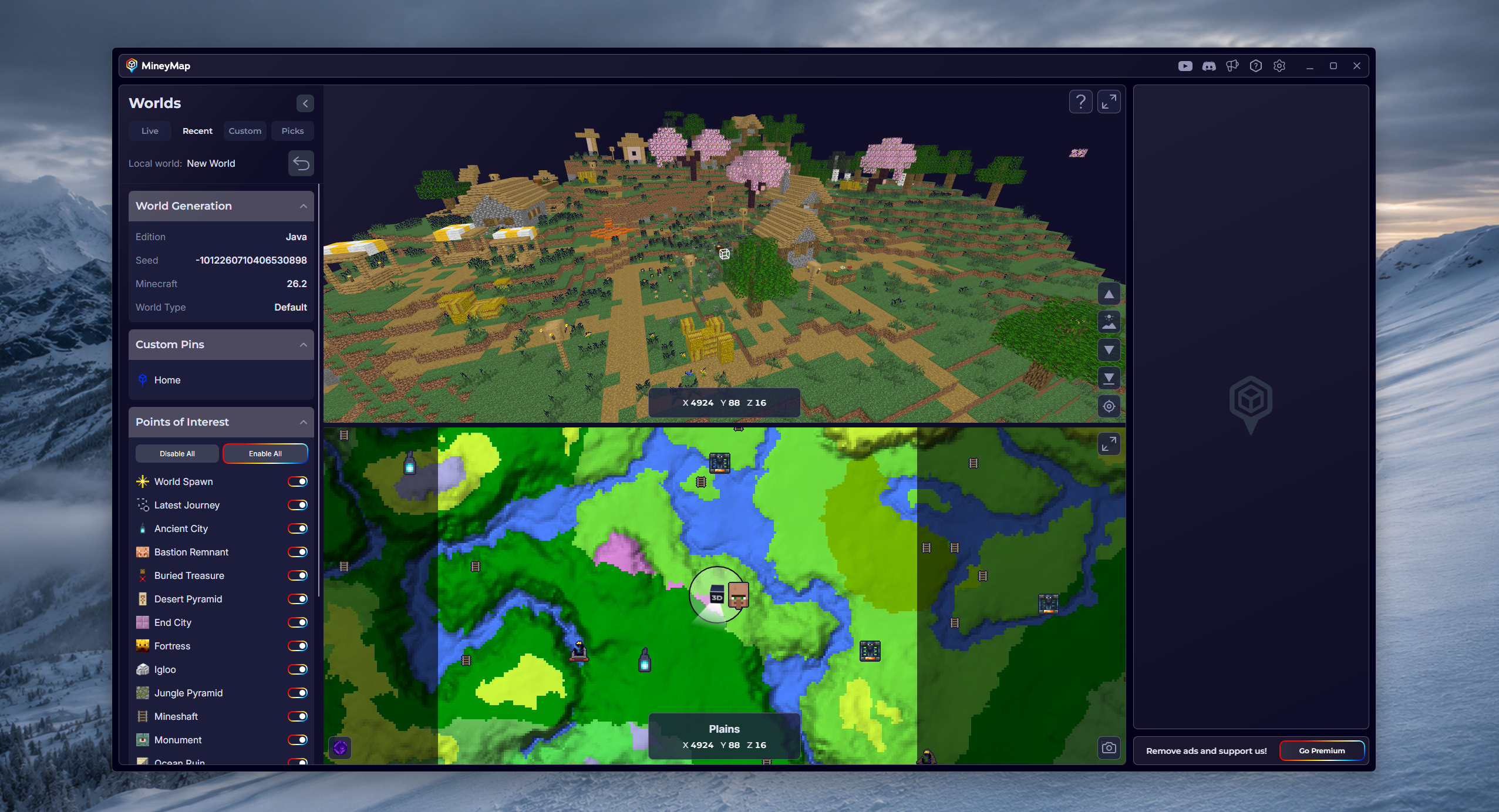
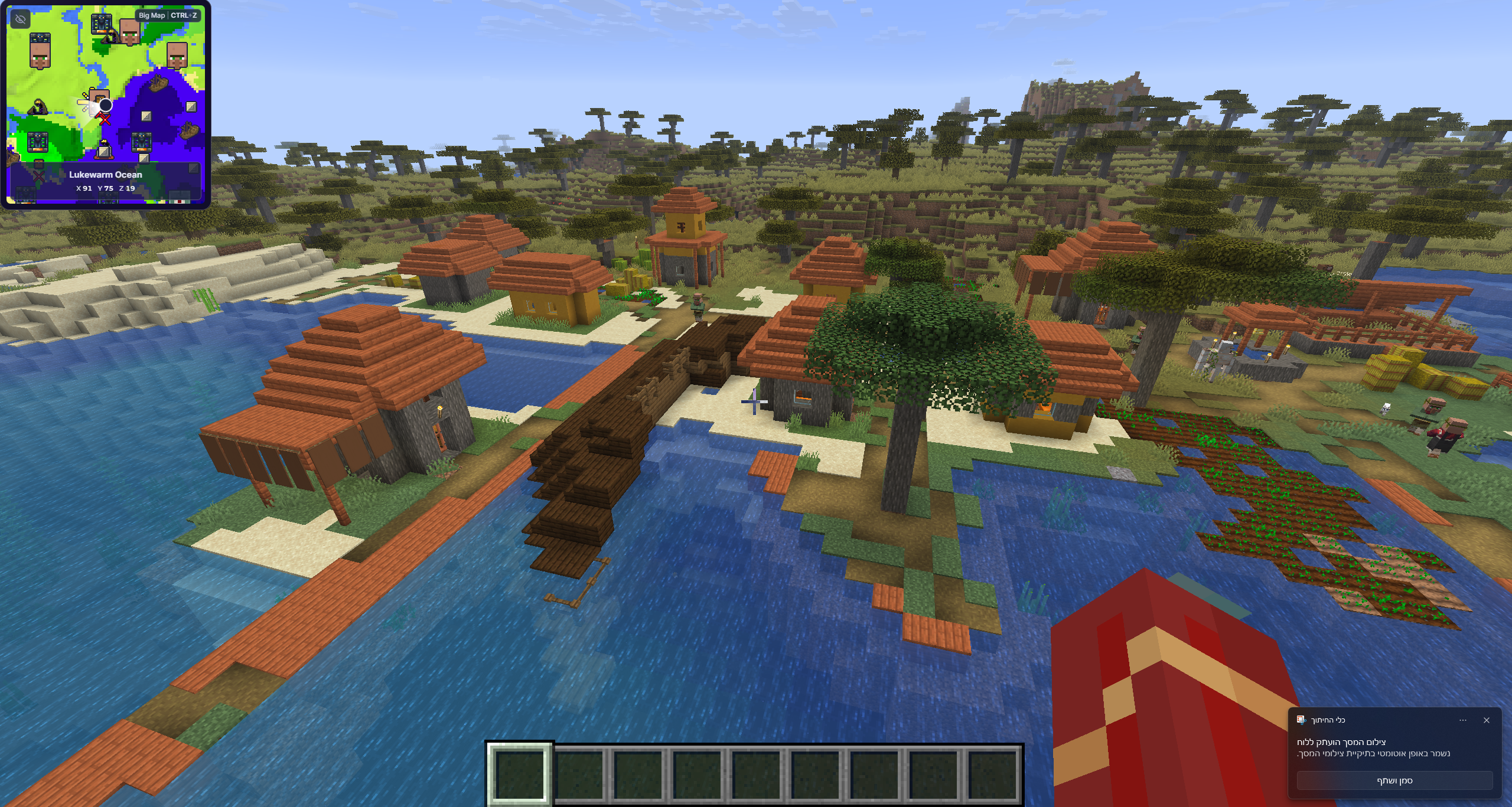
Keep the map on a second screen or open it inside Minecraft whenever you need a closer look
Explore worlds across both Minecraft editions
Browse curated worlds and discover remarkable seeds for your next adventure
It just works
MineyMap works with vanilla Minecraft and most mods, so you can keep playing your way
No matter which launcher starts your game, MineyMap is there when you need it
Your world map and live location appear as you play
Questions, mapped out
MineyMap is a map viewer and companion app for Minecraft (Java & Bedrock). It gives you a detailed view of your world, including biomes, structures and other points of interest, coordinates, custom pins, and your live player position while in game
Yes. MineyMap is designed for both Minecraft Java Edition and Bedrock Edition. Support can vary by Minecraft edition
MineyMap supports Minecraft Java Edition 1.18 and newer. For Bedrock Edition, MineyMap supports the latest Minecraft release
Yes. You can create named pins from the desktop map with right-click, or while in game with right-click or CTRL+P
Yes. Use MineyMap as a desktop app, on a second screen for a wide view of your world, or open the in-game mode and minimap while you play. Your map, live position, coordinates, points of interest, and pins stay within reach in either mode
MineyMap supports Java and Bedrock worlds across multiple Minecraft versions. Java multiplayer worlds can be mapped by entering the world seed manually. Bedrock multiplayer is not supported yet, but support is coming soon. Terrain-changing mods and custom-built terrain are not currently supported
Java multiplayer worlds are supported when you manually enter the world seed. Bedrock multiplayer is not supported yet, but it will be added soon
MineyMap supports the Overworld, The Nether, and The End in both Java Edition and Bedrock Edition
3D mode is available for Java Edition singleplayer worlds. It is not currently available for Bedrock Edition
Yes. Points of interest are organized by type, and you can show or hide different POI categories according to your needs
Yes. You can create and name custom pins, then delete saved pins when you no longer need them
Yes. Watch guides covering MineyMap Basics, the 3D View, pins, points of interest, the biome map, dimensions, curated worlds, and custom worlds on the official MineyMap YouTube channel
View All Videos on YouTubeYes. MineyMap is free, and every feature is available without a paywall. An optional subscription removes ads and gives you more room for the map area
No. MineyMap is a separate overlay app and does not modify or affect your game. It works with vanilla worlds and most modded worlds
MineyMap supports Forge, Fabric, NeoForge, Quilt, and OptiFine
Most Java mods and many Bedrock addons and Marketplace worlds are supported. Mods or addons that change world generation may cause the world in Minecraft to differ from the map MineyMap displays
No. You only need to install MineyMap once. It automatically runs alongside Minecraft and detects supported Java and Bedrock editions, including vanilla installations and most modpacks
MineyMap supports all popular Java launchers except Badlion and LabyMod. Bedrock Edition currently requires the official Minecraft Launcher
Yes. MineyMap is an overlay app powered by the Overwolf platform. It can be displayed on top of Minecraft while you play, or used as a desktop app on another screen
Of course. You can uninstall MineyMap like any other Windows app or through the Overwolf Appstore. If you reinstall it later, previously saved data such as your pins will no longer be available

Your next world awaits
Download MineyMap and start exploring with a clearer view
Download MineyMapFree Contains ads Subscription available