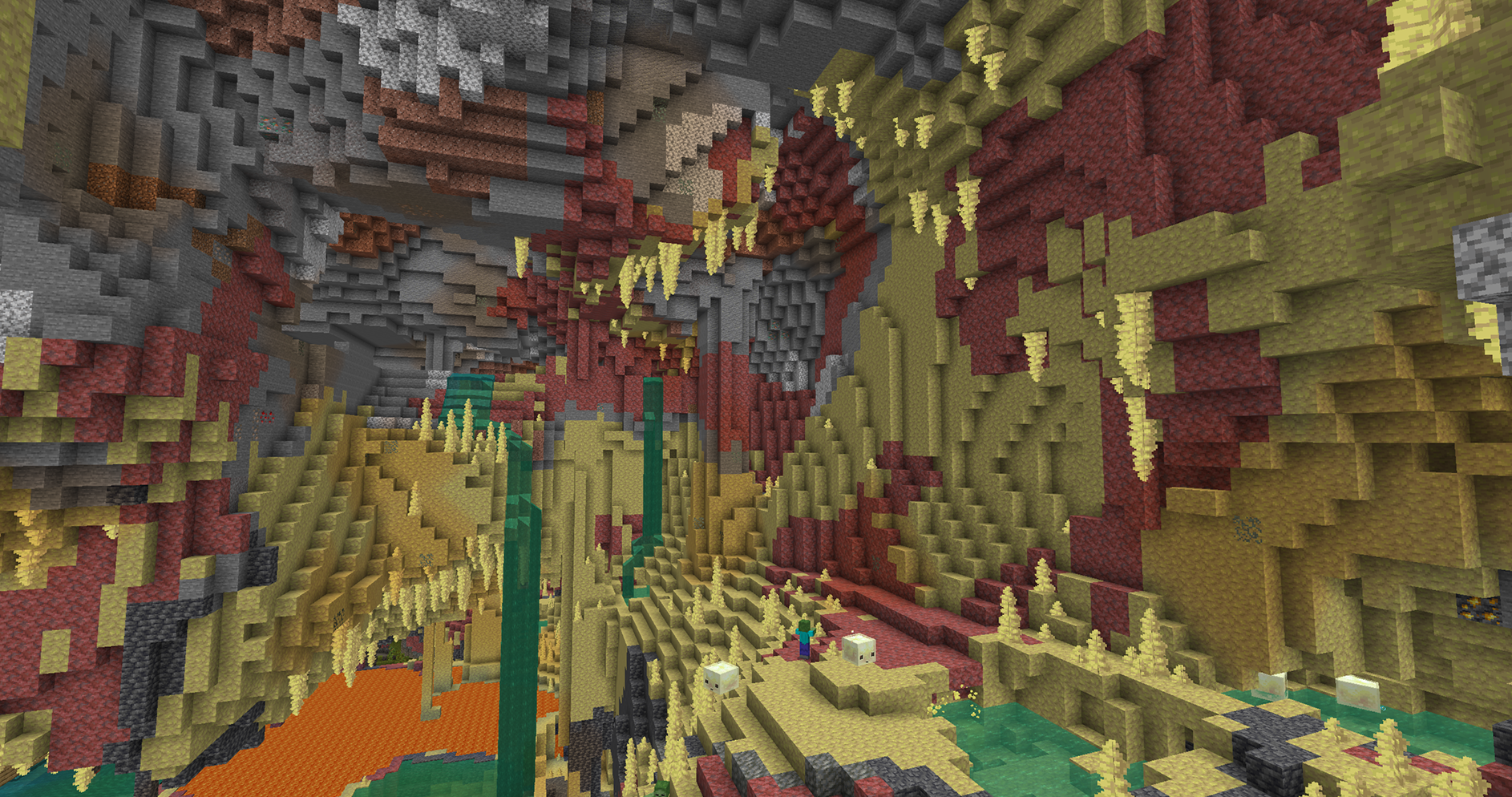
Where Sulfur Caves Generate
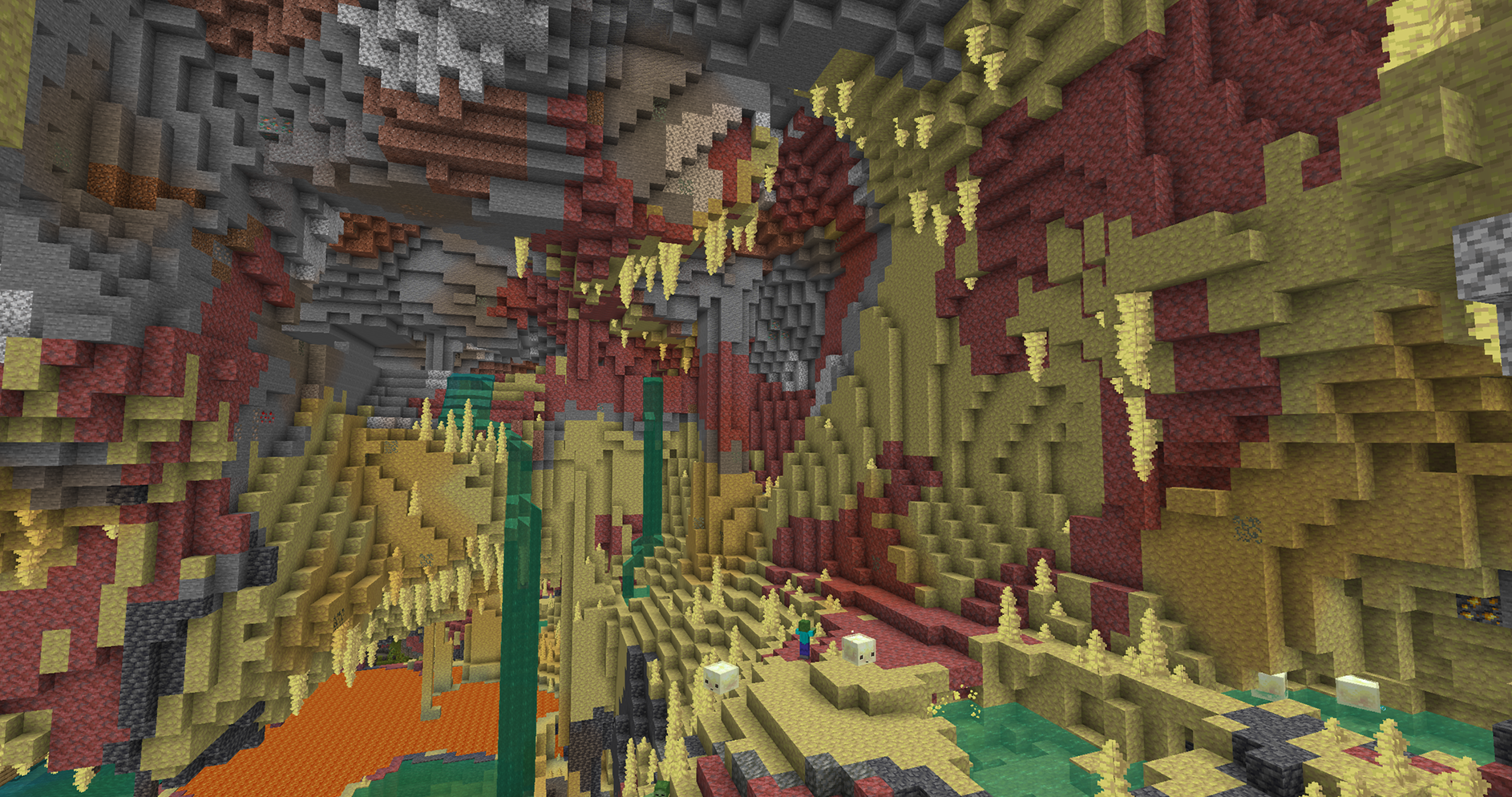
Sulfur Caves are an underground biome added in Minecraft 26.2. Sulfur springs on the surface can reveal that a cave lies below, while sulfur, cinnabar, bubbling pools, and Sulfur Cubes confirm the biome underground.
How to Find Sulfur Caves
Surface sulfur features can indicate what lies below, turning an otherwise blind underground search into a targeted descent.
What to Look For
- Search the surface for sulfur springs and mark their coordinates
- Dig a safe staircase nearby or enter through a connected cave rather than digging straight down
- Watch for sulfur-colored formations, cinnabar, bubbling liquid, and Sulfur Cubes
Find Sulfur Caves with Commands
Use the command below with commands enabled. Autocomplete can confirm the identifier before you run it.
Java & Bedrock
/locate biome minecraft:sulfur_cavesCommon Search Problems
If the search is taking much longer than expected, check these common causes.
- The surface spring is a clue, not a safe vertical entrance
- Ordinary caves can lie between the surface and the biome
- Older worlds need newly generated terrain for 26.2 world-generation features
OR!
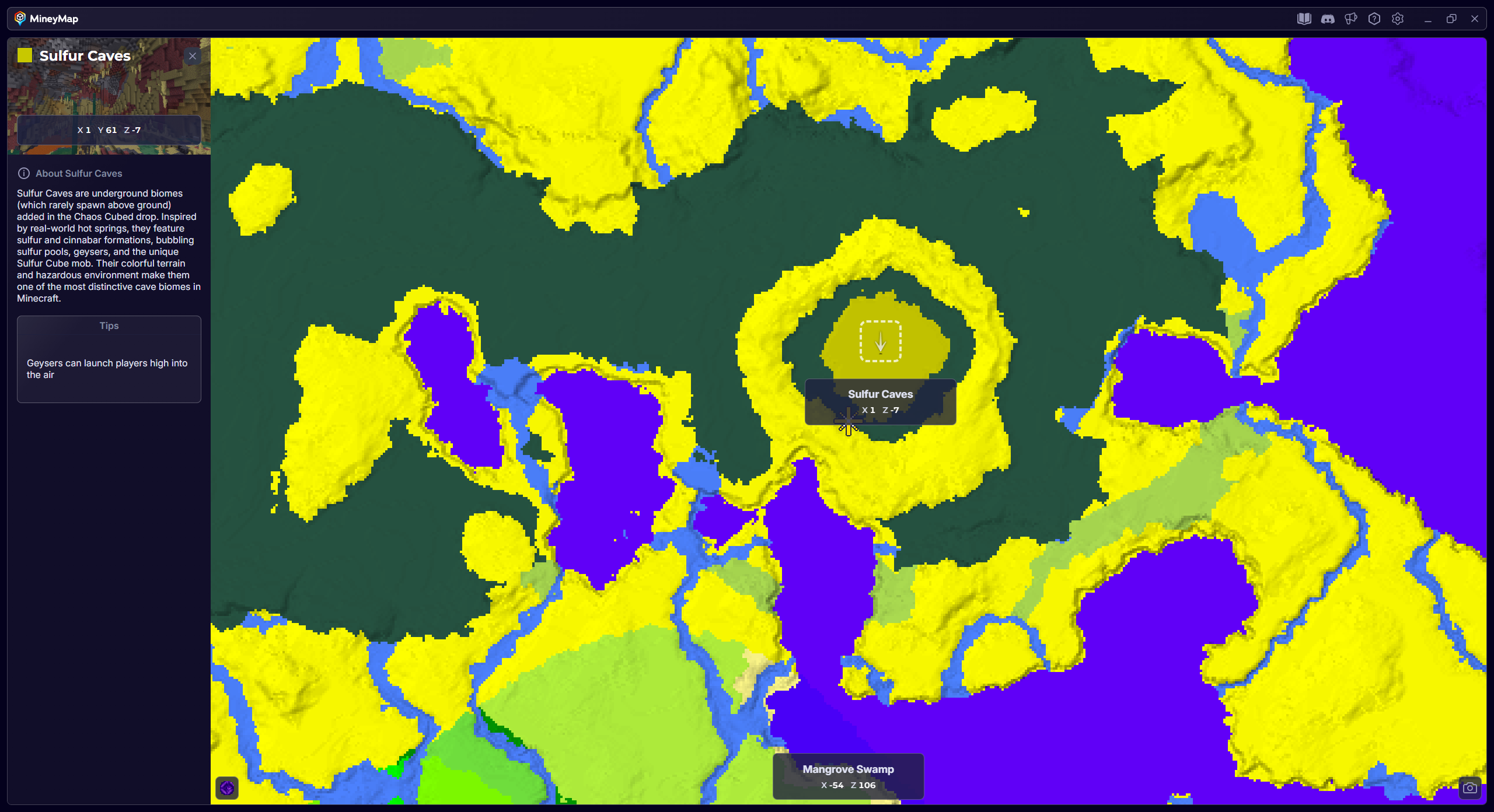
Find Sulfur Caves with MineyMap
MineyMap can show Sulfur Caves areas generated in your own world, so you can choose a destination on the map and travel there in-game without searching blindly. See how MineyMap works.