Stop and Save Your Current Coordinates
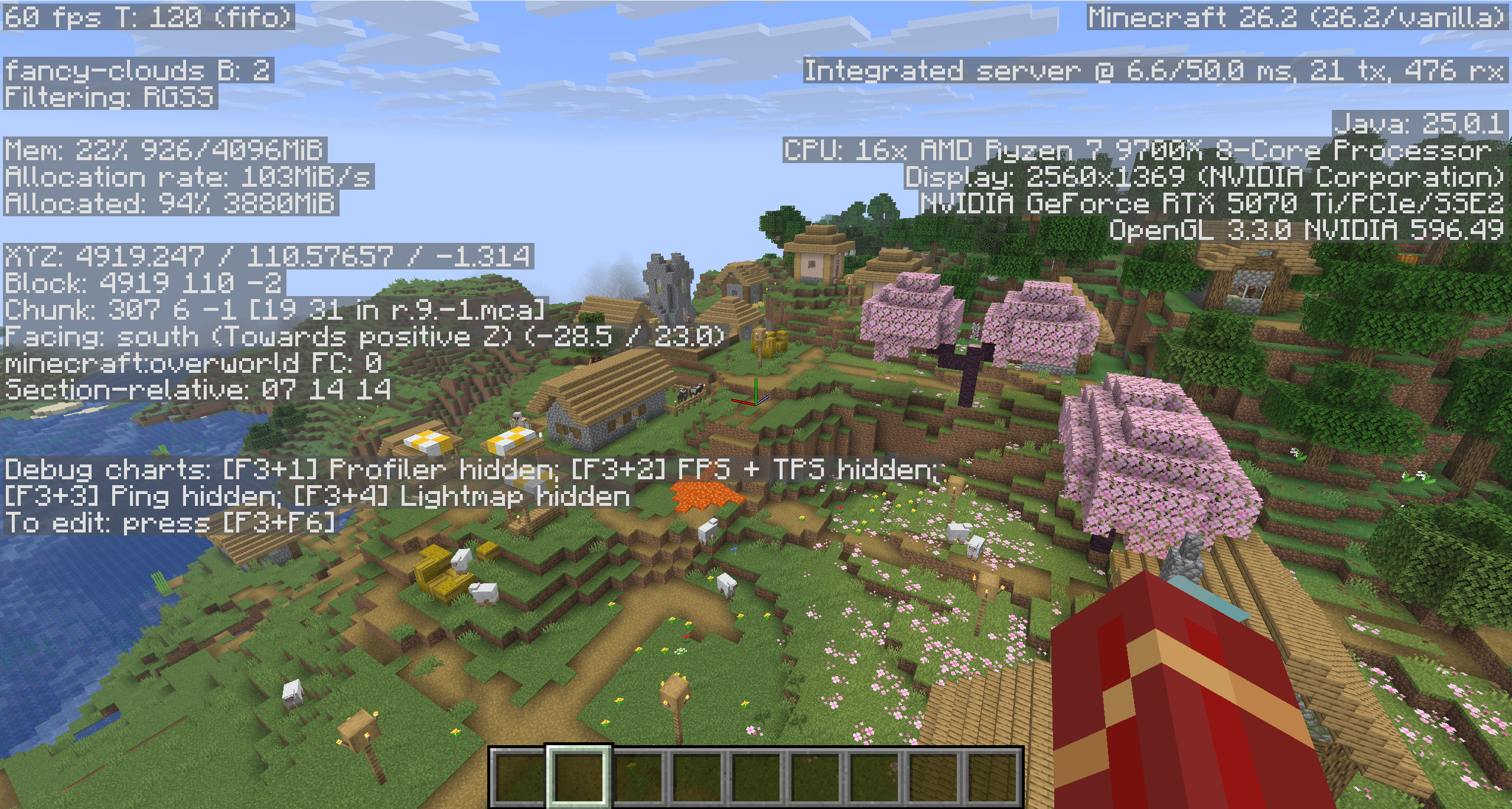
Before searching, record where you are now. In Java Edition, press F3 and note the XYZ line. In Bedrock Edition, enable Show Coordinates in the world settings. Take a screenshot as well. If you wander in circles or decide to return for dropped items later, this gives you a known point to work from.
Use Your Home Coordinates If You Have Them
If you know the X and Z coordinates of your house, travel until both values match. The Y value usually matters only when your home is underground, high in the air, or inside a mountain. Our Minecraft coordinates guide explains how to read each axis in Java and Bedrock.
Quick Pointers to Remember
- Positive X is east and negative X is west
- Positive Z is south and negative Z is north
- With cheats enabled, /tp x y z can return you directly to known home coordinates
Know Where a Compass Actually Points
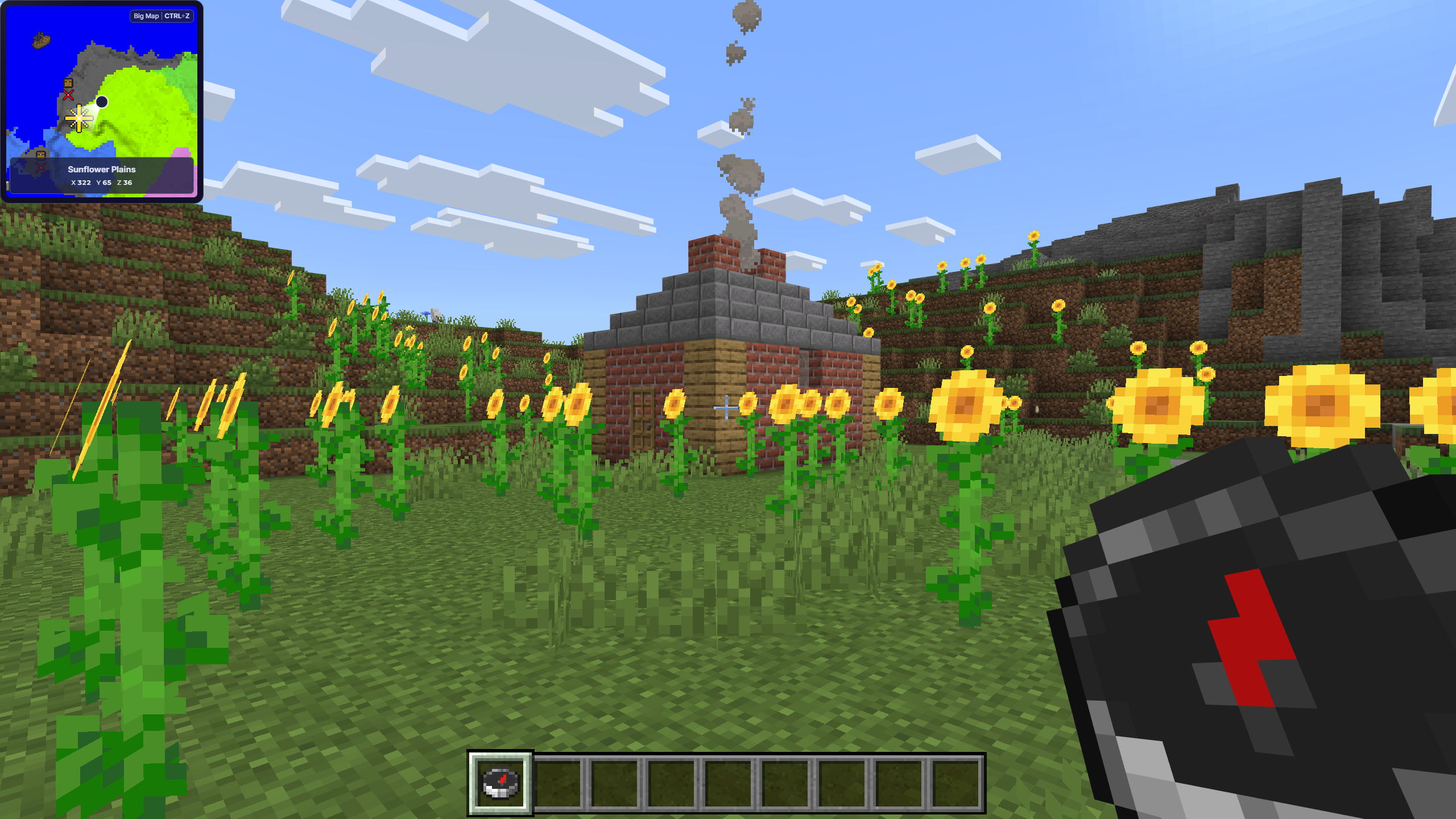
A normal compass points to the world spawn point, not to your house, bed, or personal spawn point. It can help if you built near world spawn or recognize the route from spawn to your base. A compass linked to a lodestone can point to a chosen location in the same dimension, but it only helps if you placed and linked the lodestone before getting lost.
Use Your Bed Spawn Carefully
If you last slept in a valid bed at home, dying can return you there. This is risky in Survival because you may lose your inventory, and it does not work as a recovery shortcut in Hardcore. Sleeping somewhere else changes your personal spawn, and breaking or obstructing the home bed can send you back to world spawn instead. Store valuable items and record your current coordinates before considering this option.
Search from World Spawn and Familiar Landmarks
If your base was close to where the world began, follow a compass to world spawn and retrace your early route. Look for memorable terrain, villages, coastlines, rivers, mountains, portals, torch trails, paths, or unusually placed blocks. If you remember the biome or nearby generated structures, a seed map can narrow the search area, but it cannot identify a player-built house by itself.
Search a Copy in Creative or Spectator Mode
If manual recovery fails, make a backup copy of the world. With cheats enabled, switch the copy to Creative mode and fly over likely areas. Java players can also use Spectator mode to search quickly. This preserves the original Survival world while giving you a faster way to look for player-built structures. There is no standard command that directly locates an arbitrary house you built.
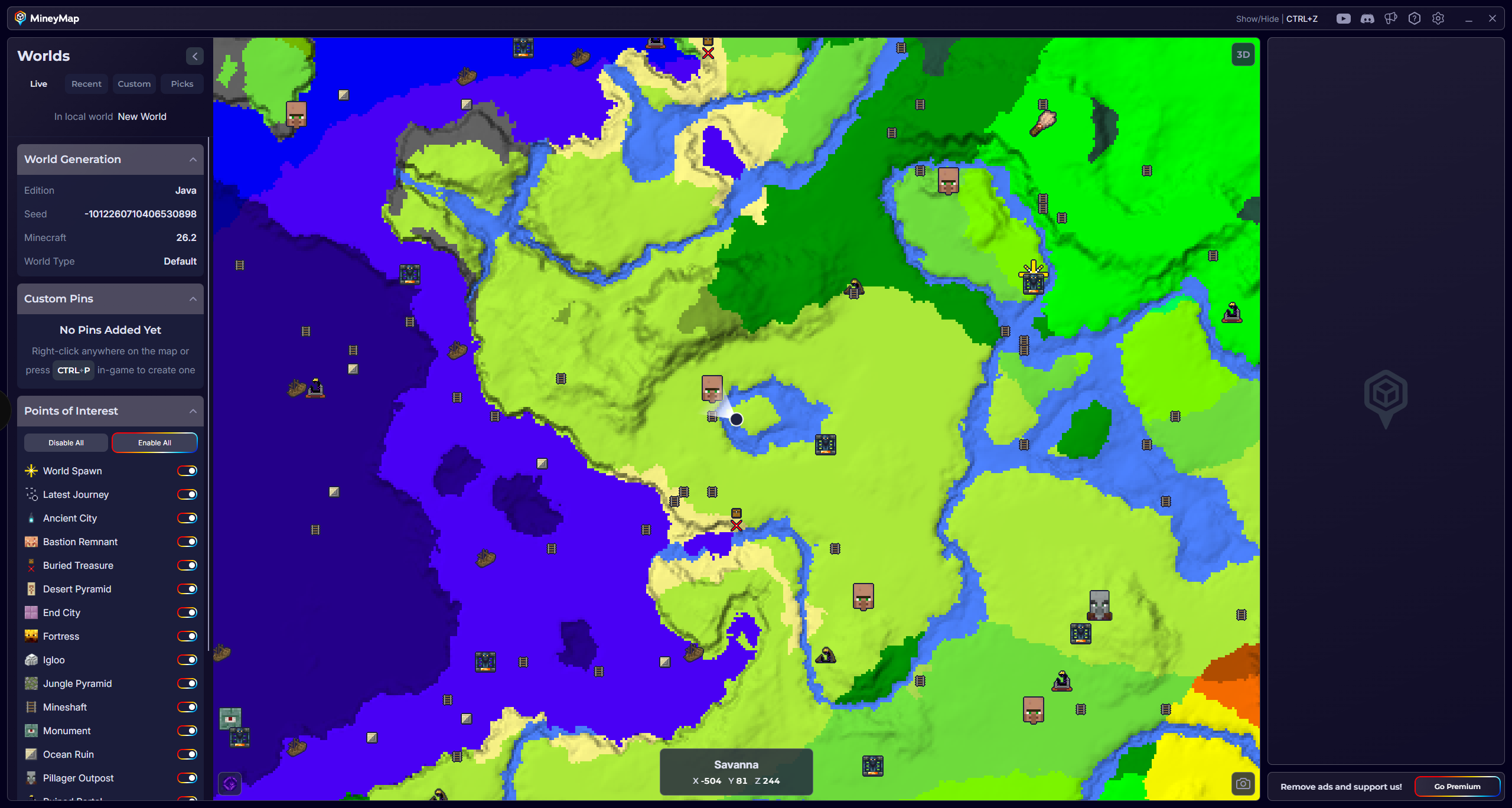
Keep Home Visible with MineyMap
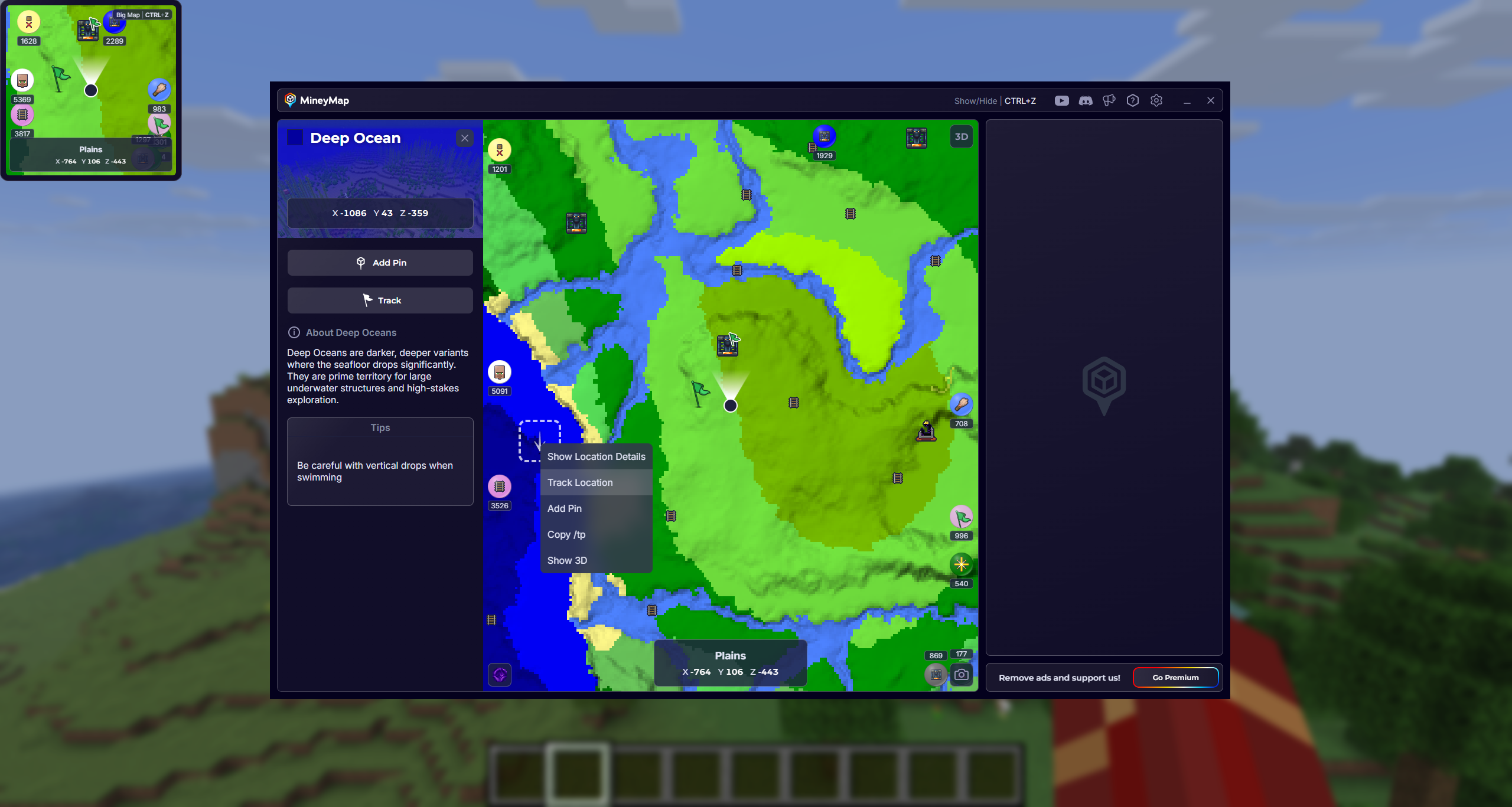
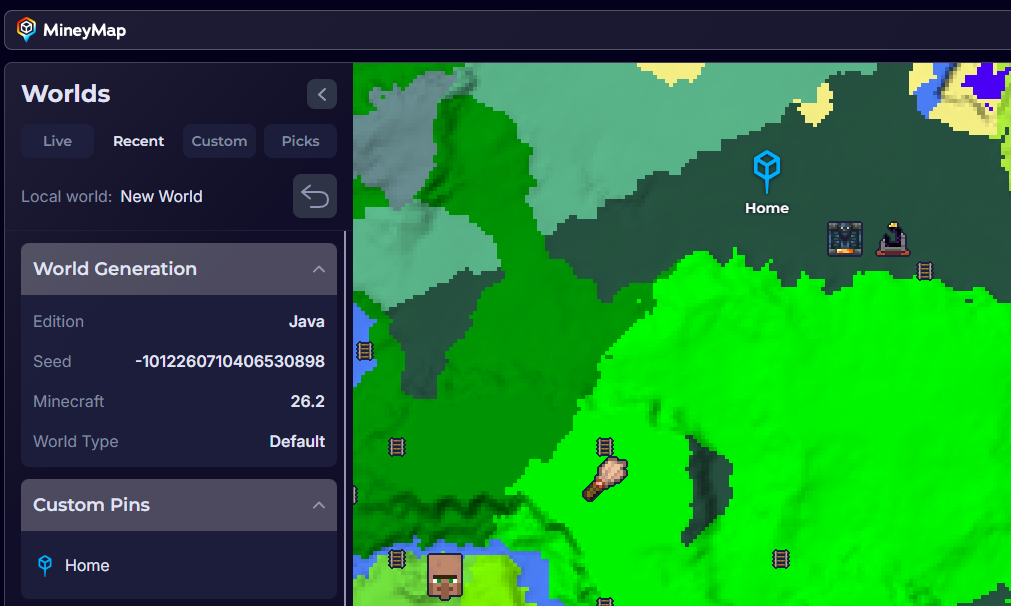
MineyMap keeps your live position, surrounding world, coordinates, and saved places together. Add a named Home pin when you establish a base, then use the minimap or main world map to stay oriented while exploring. You can also save portals, villages, resource sites, and future build locations so getting home does not depend on memory or a separate note. Learn more about the Minecraft coordinates map.