
MineyMap Guides

Seeds

Browse curated World Picks, preview any custom seed, and create shareable world images.

Seeds in MineyMap
Focused guidanceJava & BedrockPractical examples

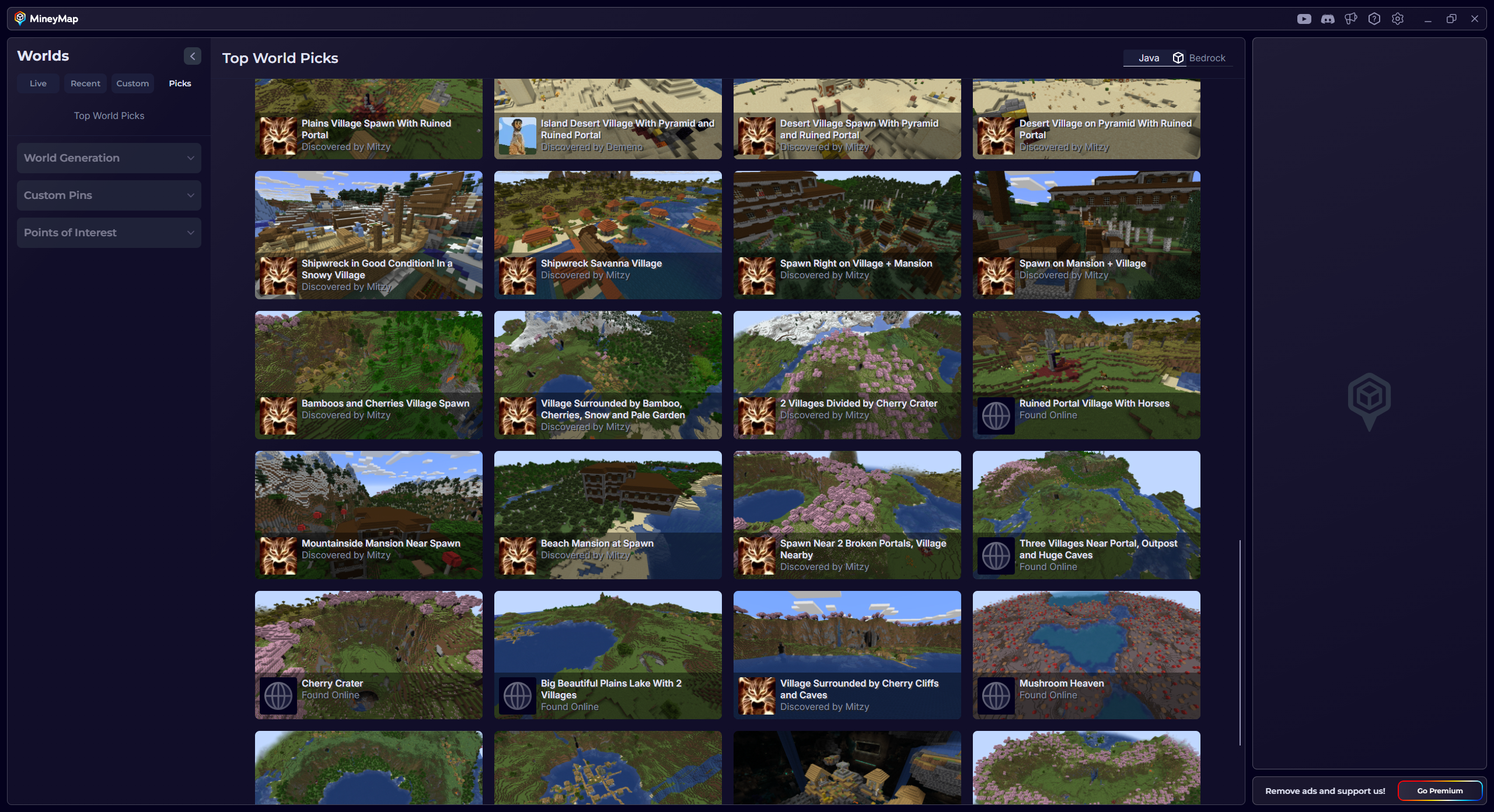
Explore Curated World Picks

World Picks gives you curated seeds chosen for interesting starts and discoveries. Browse the Java or Bedrock collection, then select a world to view its map and seed details.
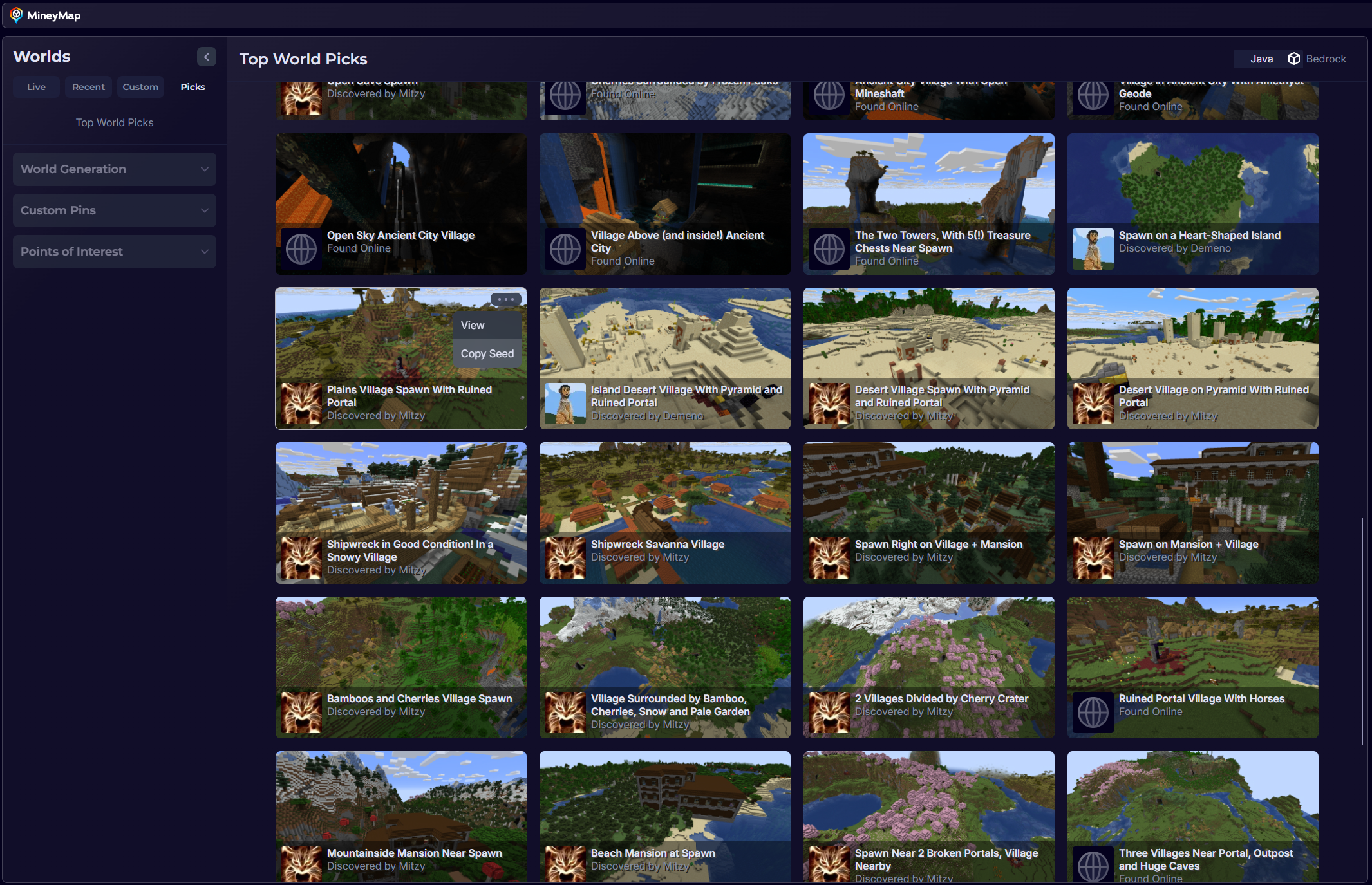
MineyMap Top World Picks showing an expanded grid of curated Java seeds
Browse curated World Picks for Java or Bedrock

Preview Custom Seeds

Use Custom Worlds to preview a seed of your own or generate a random one. It uses the latest Minecraft version by default, but you can select the edition, version, and world type to match the world you want to explore.
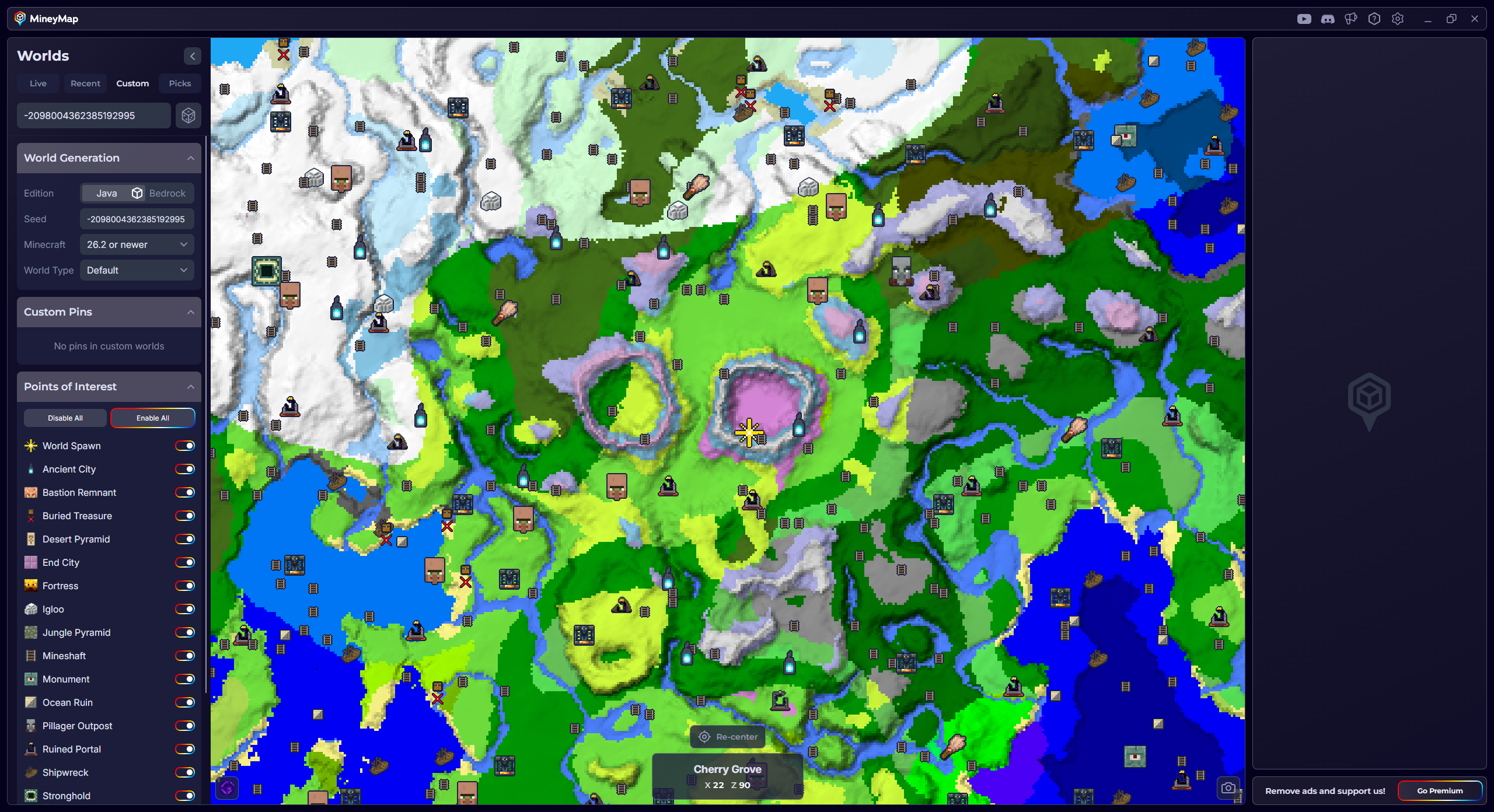
MineyMap Custom Worlds map with seed, Java edition, version, and world type controls
Enter a seed and choose its world settings to preview it in MineyMap

Create a Shareable World Image

Click the snapshot icon Snapshot icon at the bottom-right of the map to capture the current view. MineyMap prepares an image you can share with friends and automatically includes useful context such as the seed, version, and current location.
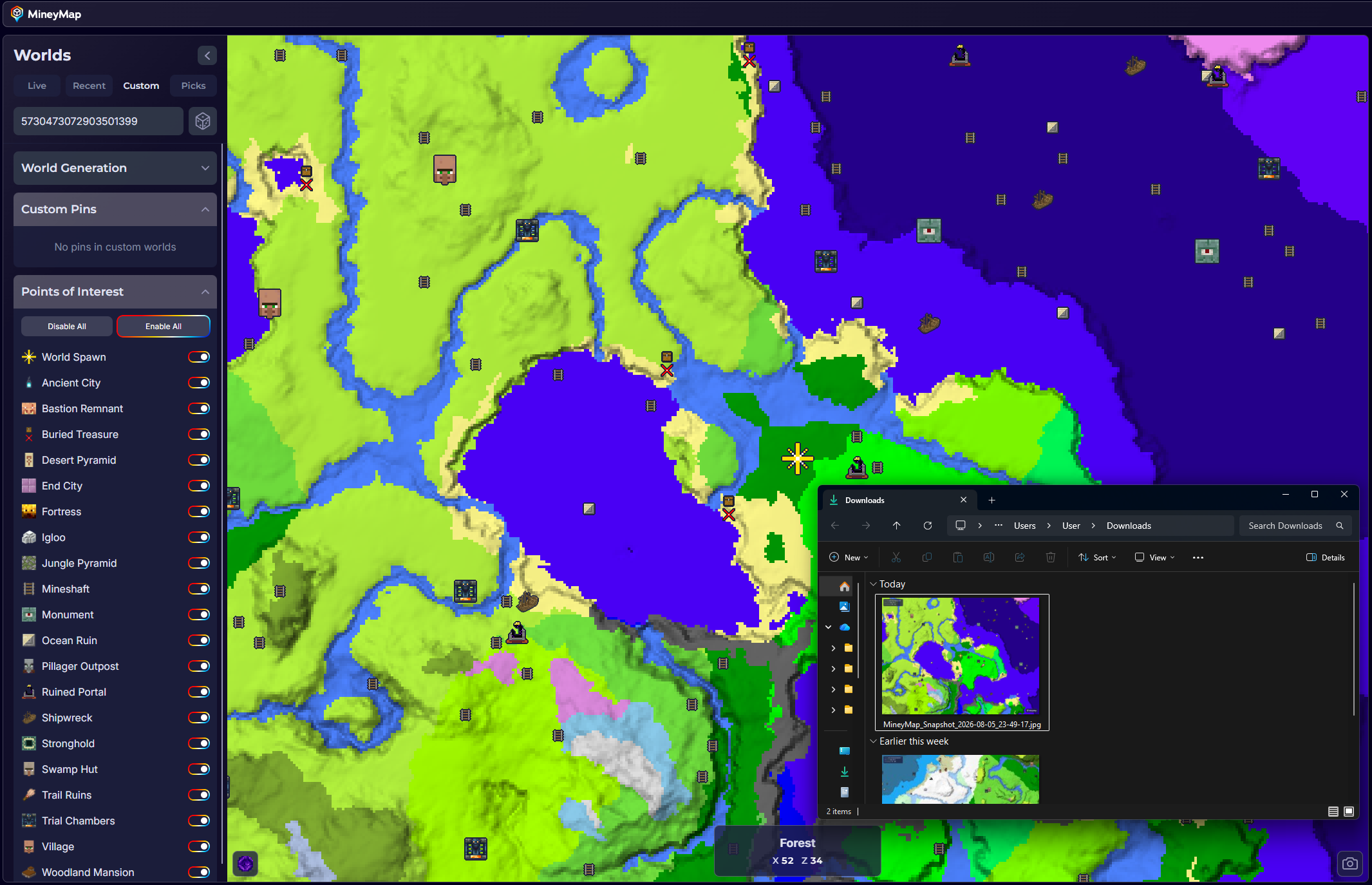
MineyMap world map with a newly created snapshot visible in the Downloads folder
MineyMap saves the captured world image to your Downloads folder

Useful Answers

Questions, Answered

What is the difference between World Picks and Custom Worlds?

World Picks contains curated seeds selected for interesting starts and discoveries. Custom Worlds lets you preview a seed you enter or generate a random one.

Which details should I select when previewing a custom seed?

Choose the Minecraft edition, version, and world type that match the world you want to preview.

How do I create a shareable world image?

Set the map to the view you want to share, then click the snapshot icon at the bottom-right of the map.

What information is included in a MineyMap snapshot?

The image includes the displayed map along with useful details such as the seed, Minecraft version, and current coordinates.

Can someone use my snapshot to recreate an identical world?

They can use the included seed and version to generate a new world with the same original terrain, then use the coordinates to find the location shown. It is not a copy of your saved world, so builds and other changes you made will not be included.

Does creating a snapshot change or share my Minecraft save?

No. MineyMap creates an image of the current map view; it does not modify or upload your Minecraft world.

Map the World You Play

Stay Oriented in Your Next Minecraft World

Keep terrain, live coordinates, useful locations, and the places you save together on one clear map.

Download MineyMapFree Contains ads Subscription available