
MineyMap Guides
How to Use MineyMap
Start with setup and basics, explore what is inside the map, or jump to advanced features, seeds, and technical help.
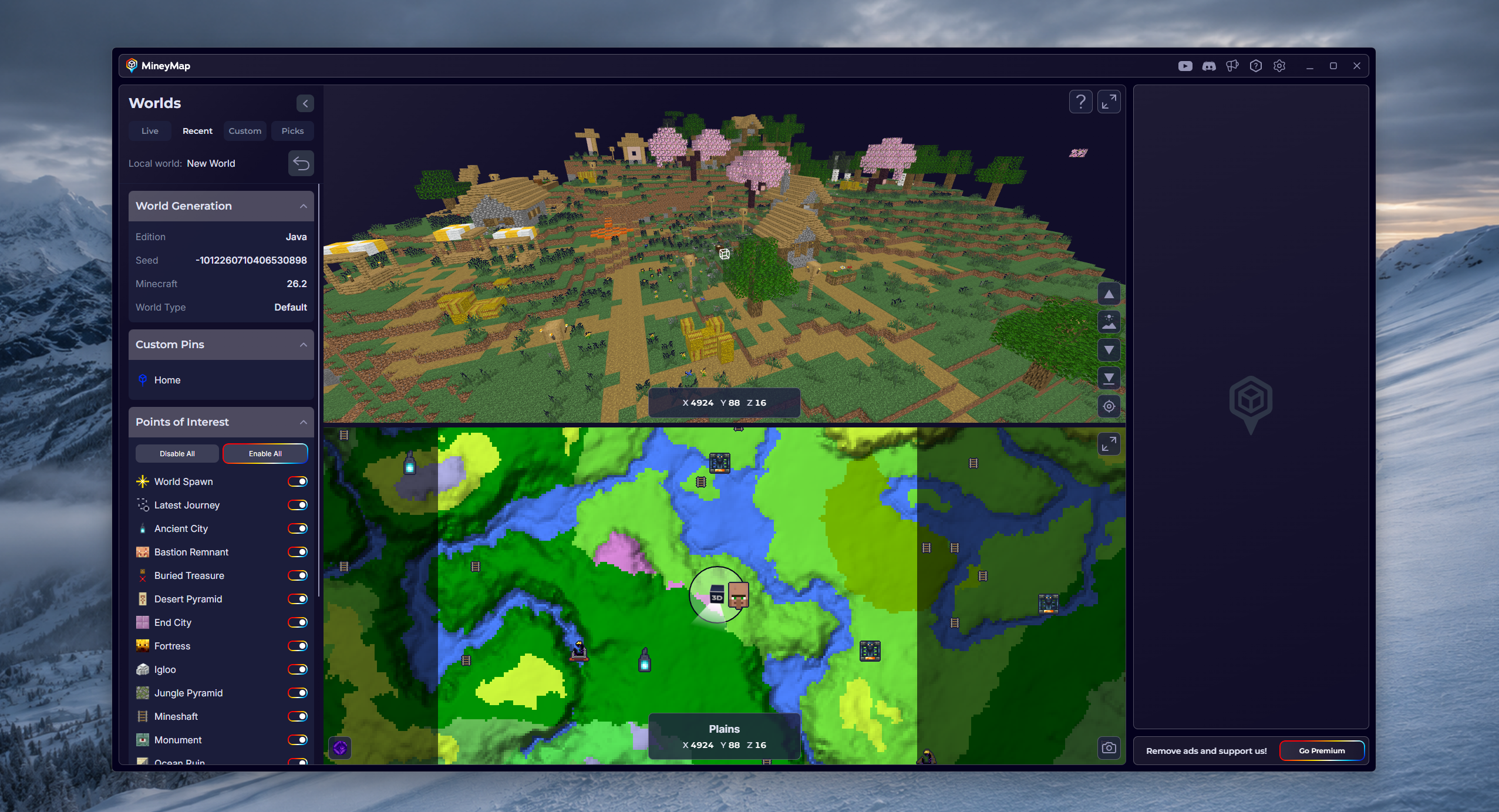
MineyMap Guide
Getting Started
Install MineyMap, enter a Minecraft world, and let MineyMap do its magic.
Explore Category →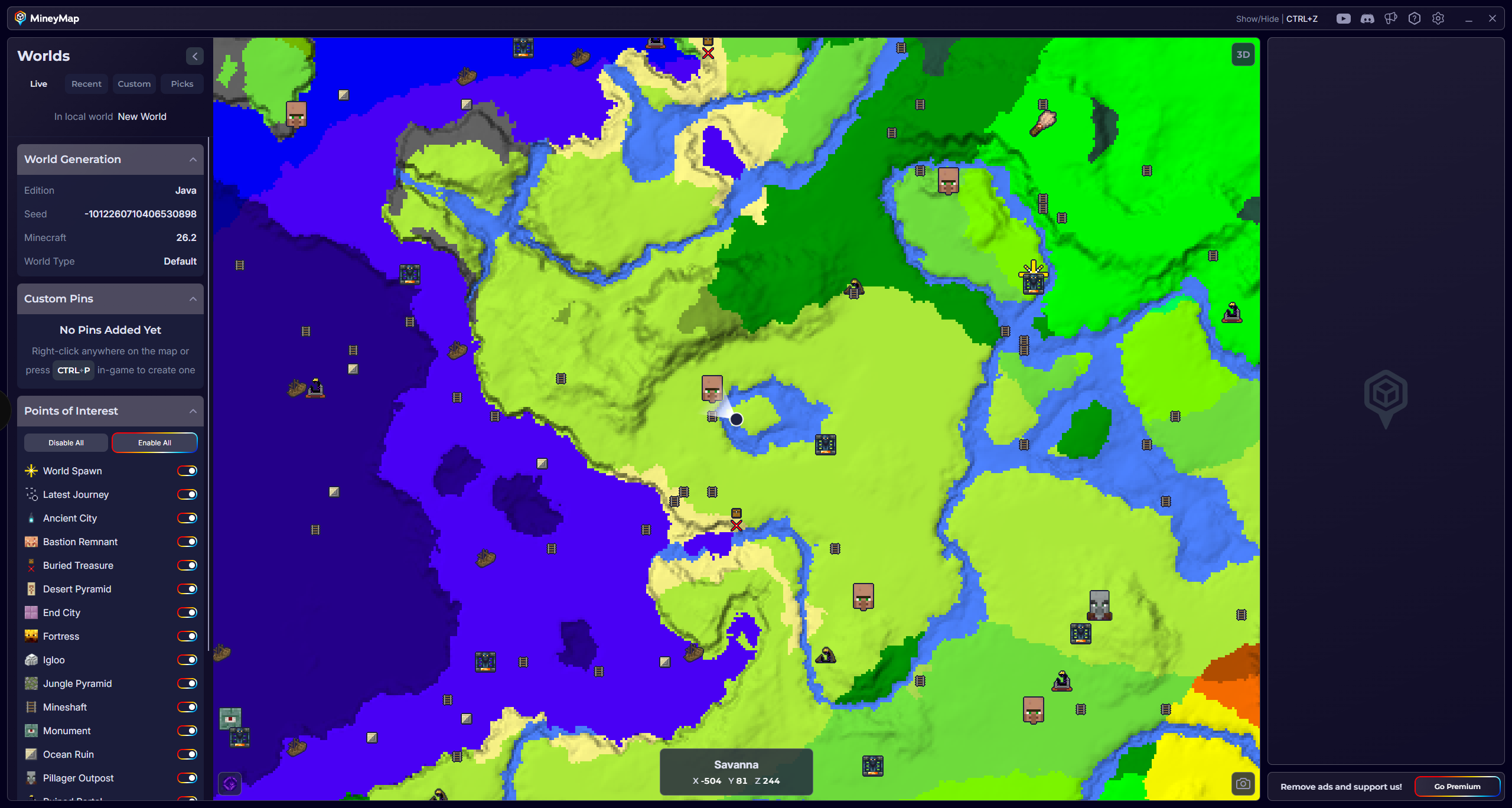
MineyMap Guide
Basics
Learn how to use the minimap, main map, and second-screen view.
Explore Category →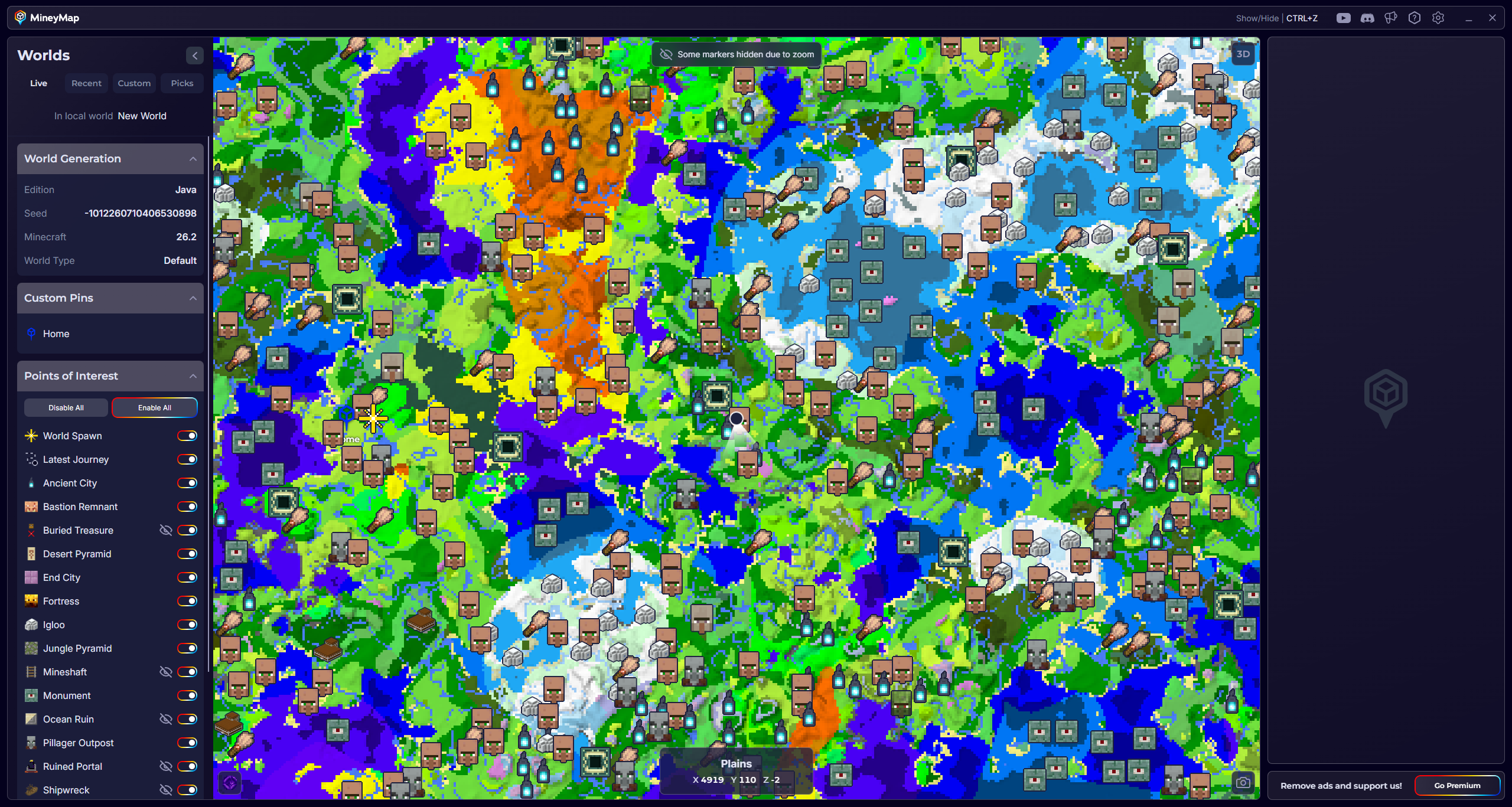
MineyMap Guide
Inside the Map
Track destinations, use points of interest, pins, and Death markers, manage Recent Worlds, and review your Latest Journey.
Explore Category →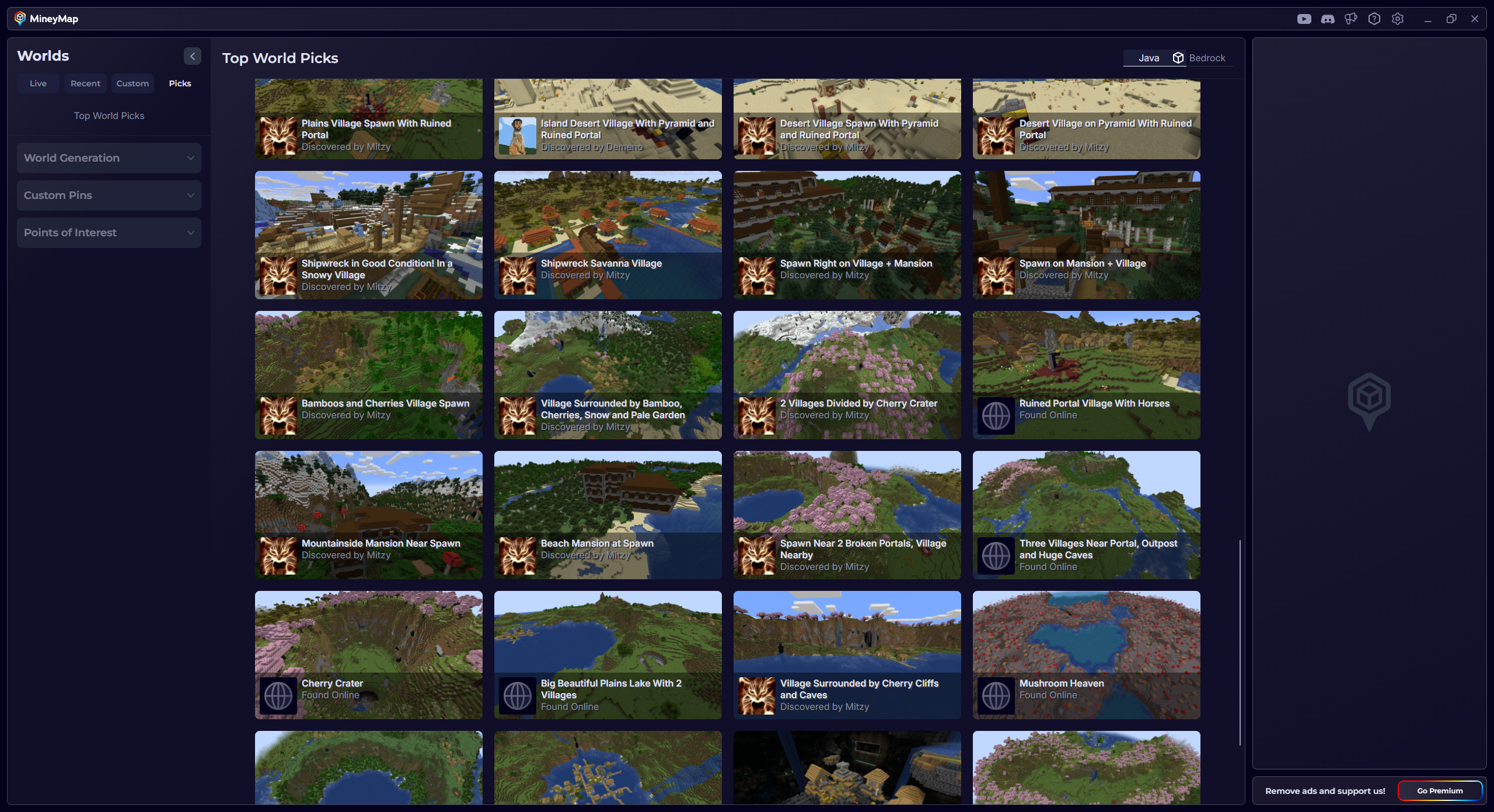
MineyMap Guide
Seeds
Browse curated World Picks, preview any custom seed, and create shareable world images.
Explore Category →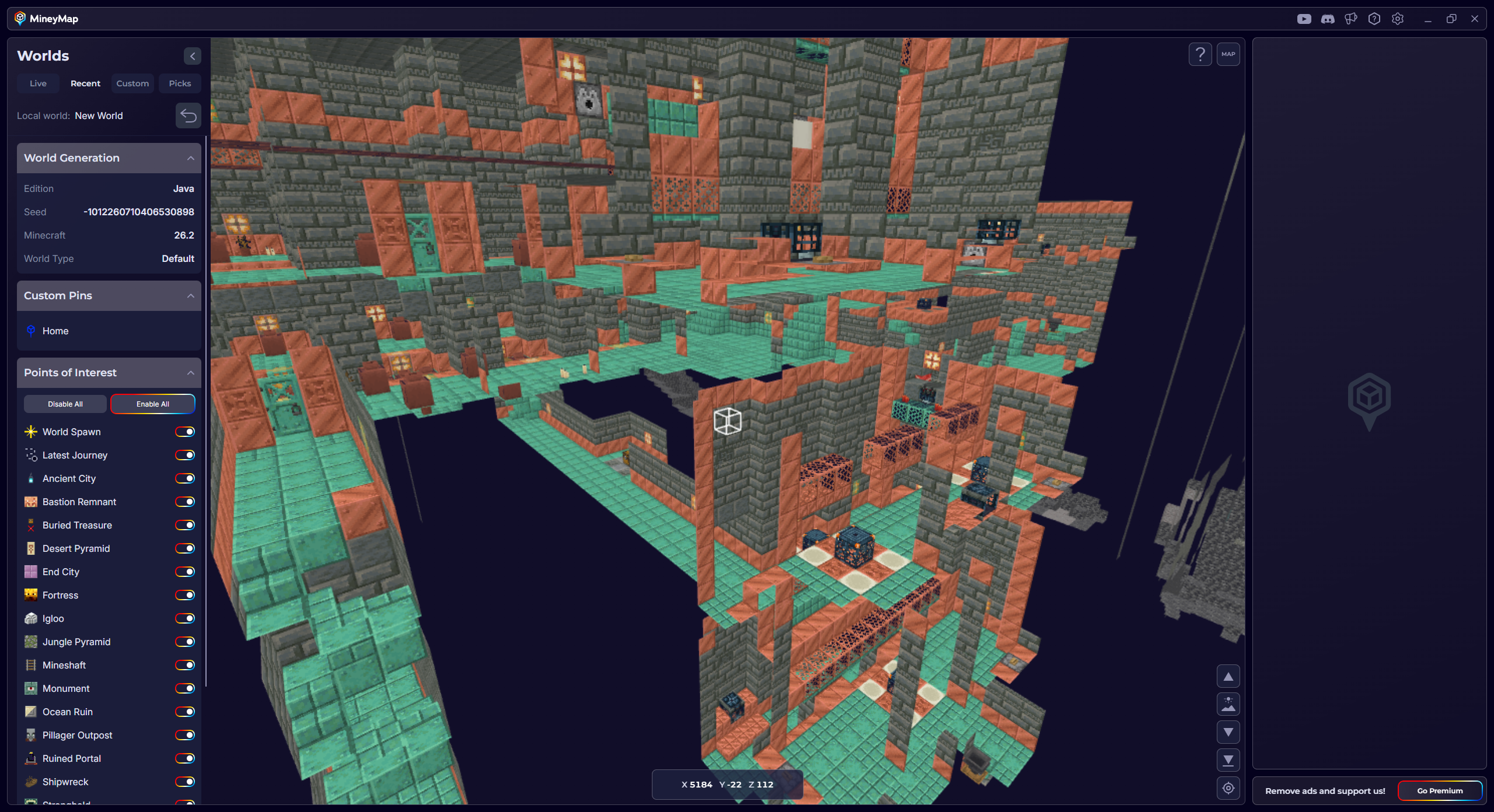
MineyMap Guide
Advanced Features
Explore terrain in 3D and plan journeys between Minecraft dimensions.
Explore Category →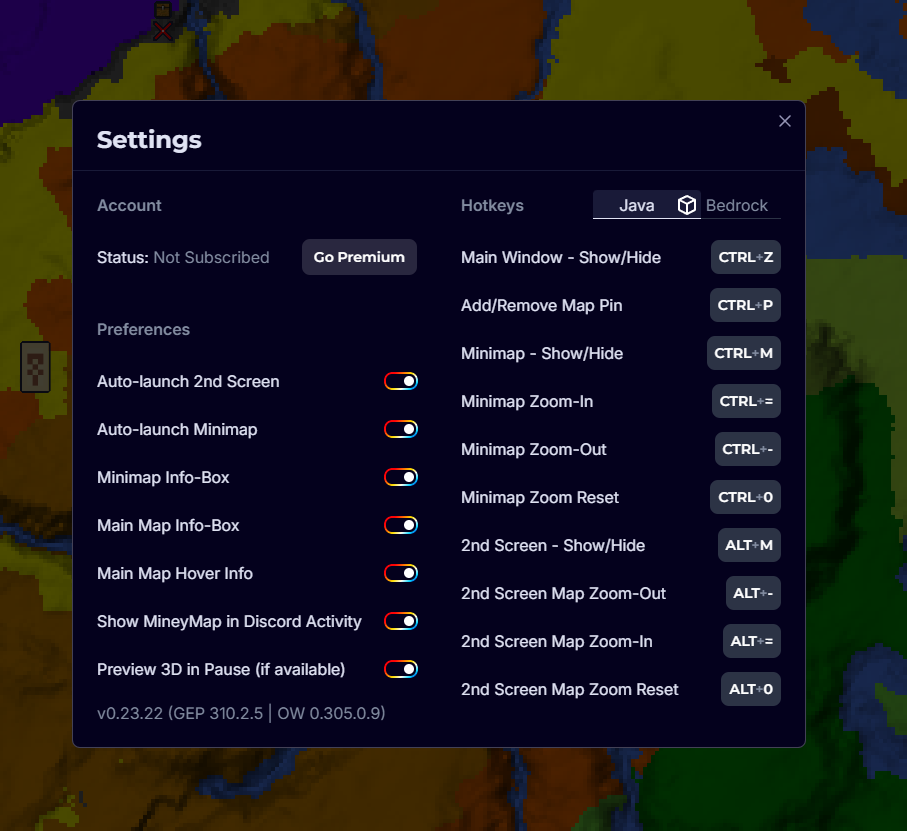
MineyMap Guide
Settings and Technical Help
Adjust your preferences and hotkeys, troubleshoot issues, and contact support.
Explore Category →