
01
Explore with a Direction and a Return Point
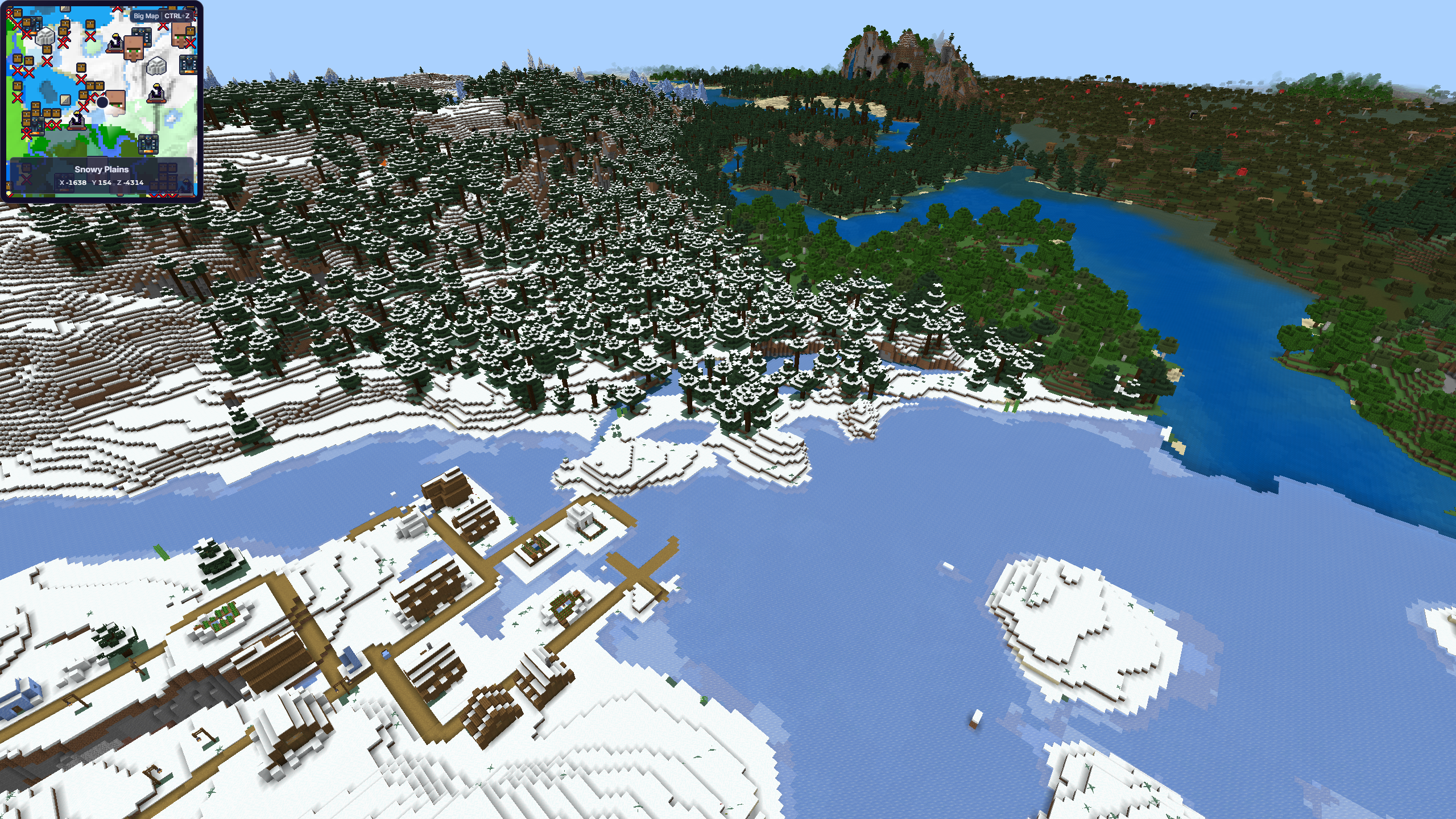
Before leaving a base, record its coordinates and choose a direction. Consistent travel makes it easier to understand which terrain you have already searched and how to return safely.
02
Read Environmental Clues
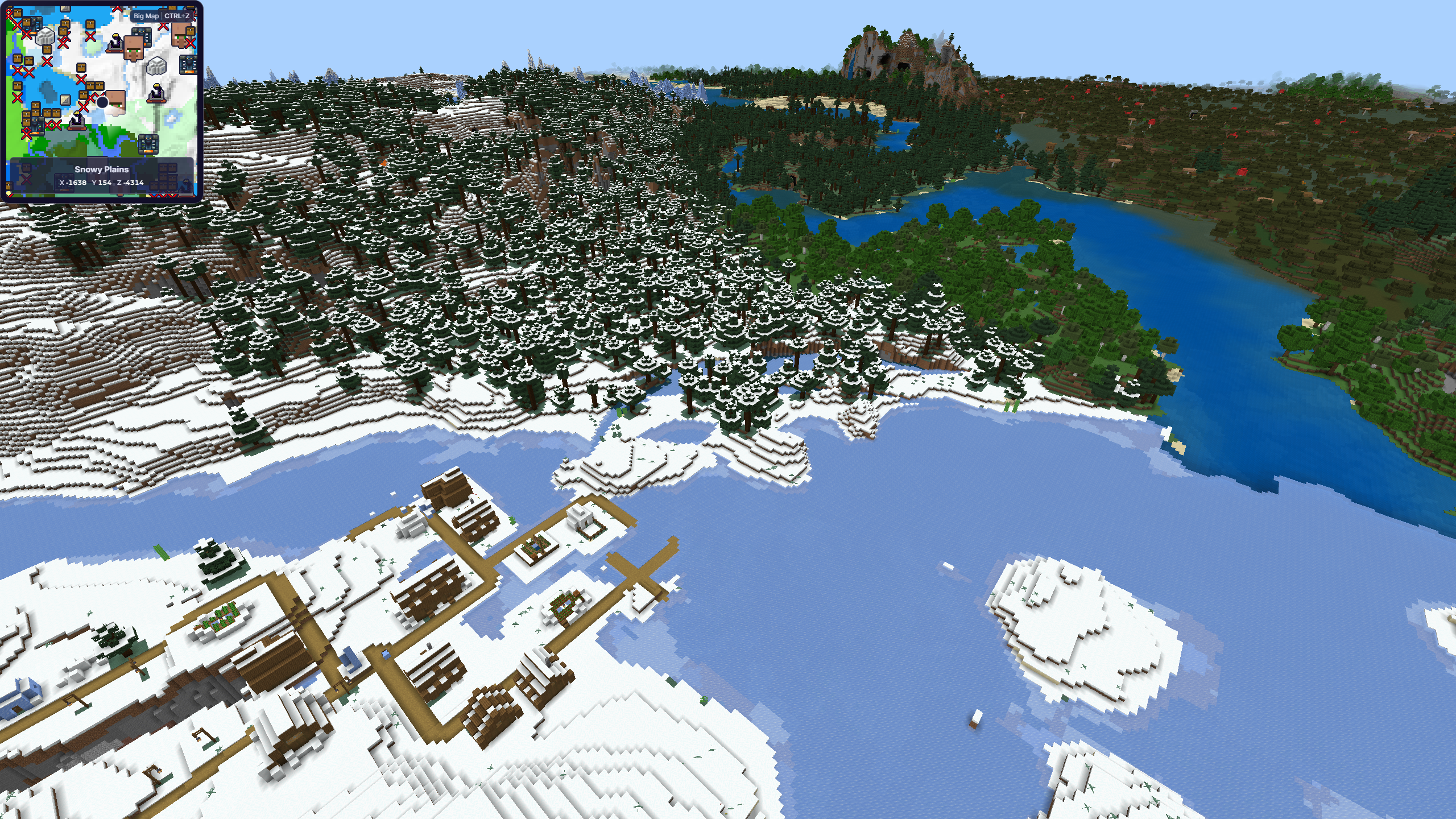
Terrain shape, vegetation, block colors, weather, and elevation often signal that a different biome is nearby. A high viewpoint can reveal transitions that are difficult to notice at ground level.
03
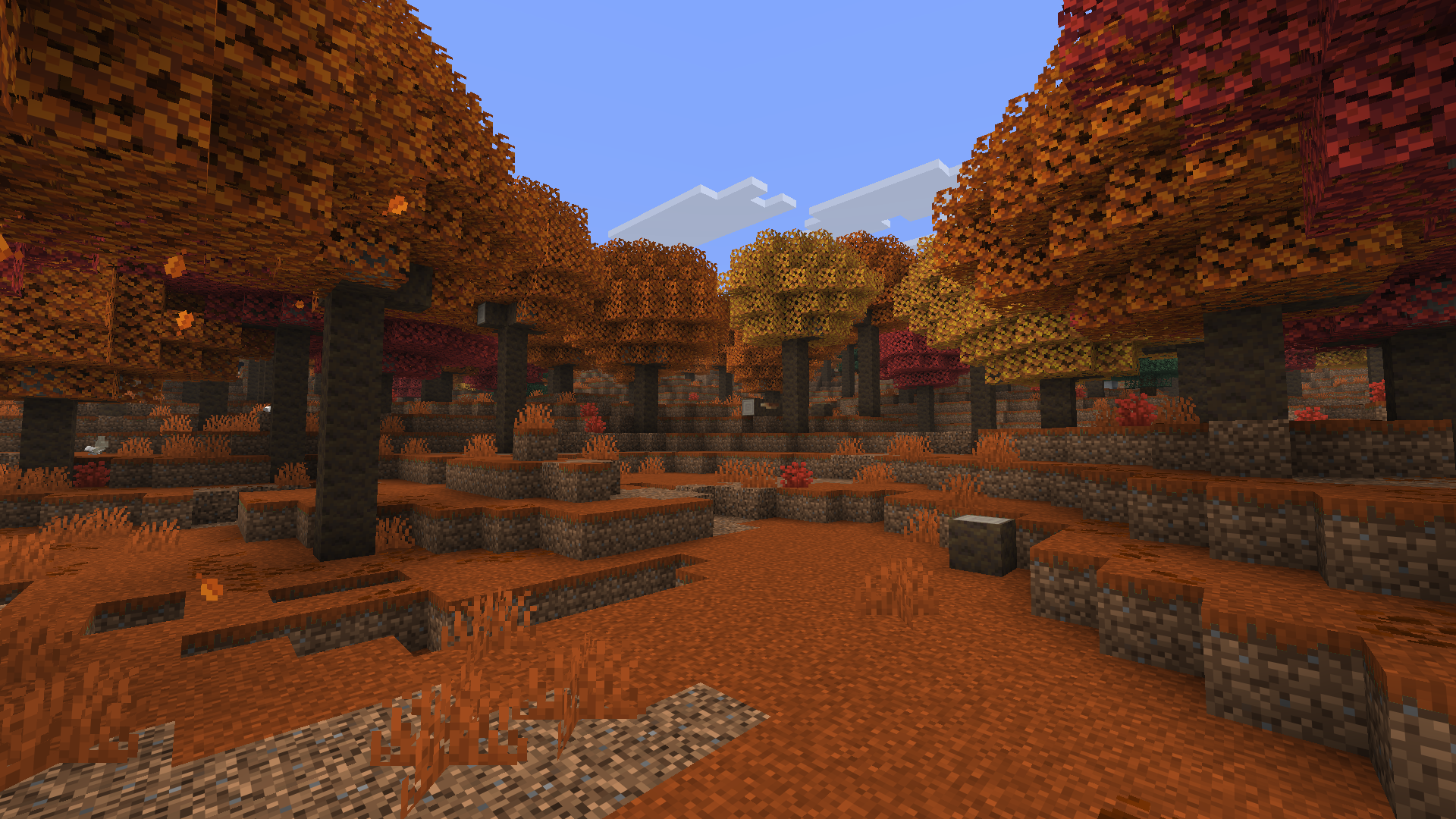
Know the New Biomes Worth Looking For
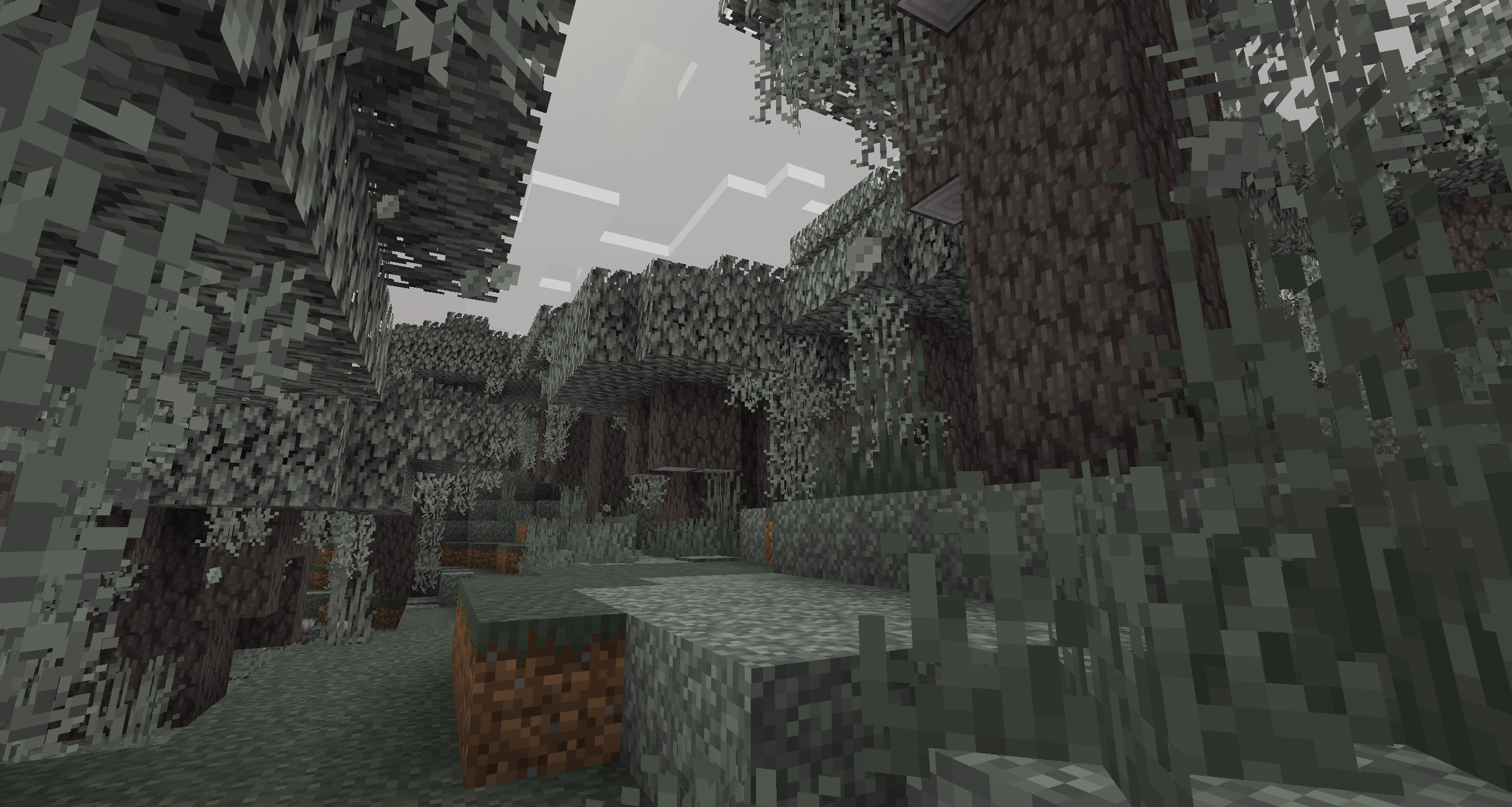
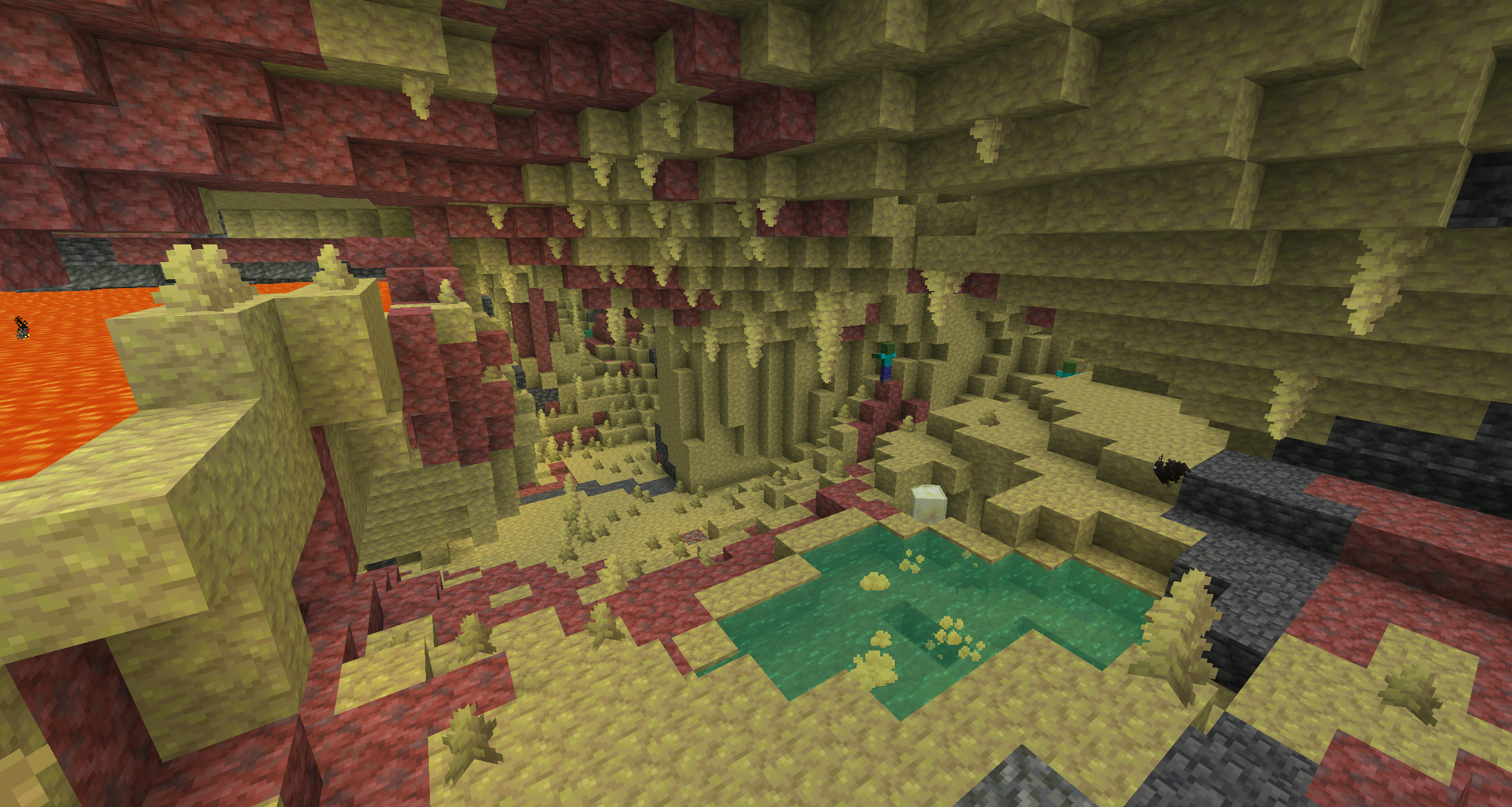
Minecraft's biome list keeps growing, because apparently the Overworld had not yet provided enough reasons to abandon your half-finished base.
04
Use Commands Only When They Fit Your World
Players with the appropriate permissions may use Minecraft commands to locate some biomes. Commands are not available or desirable in every survival world, so exploration and mapping remain useful.
05
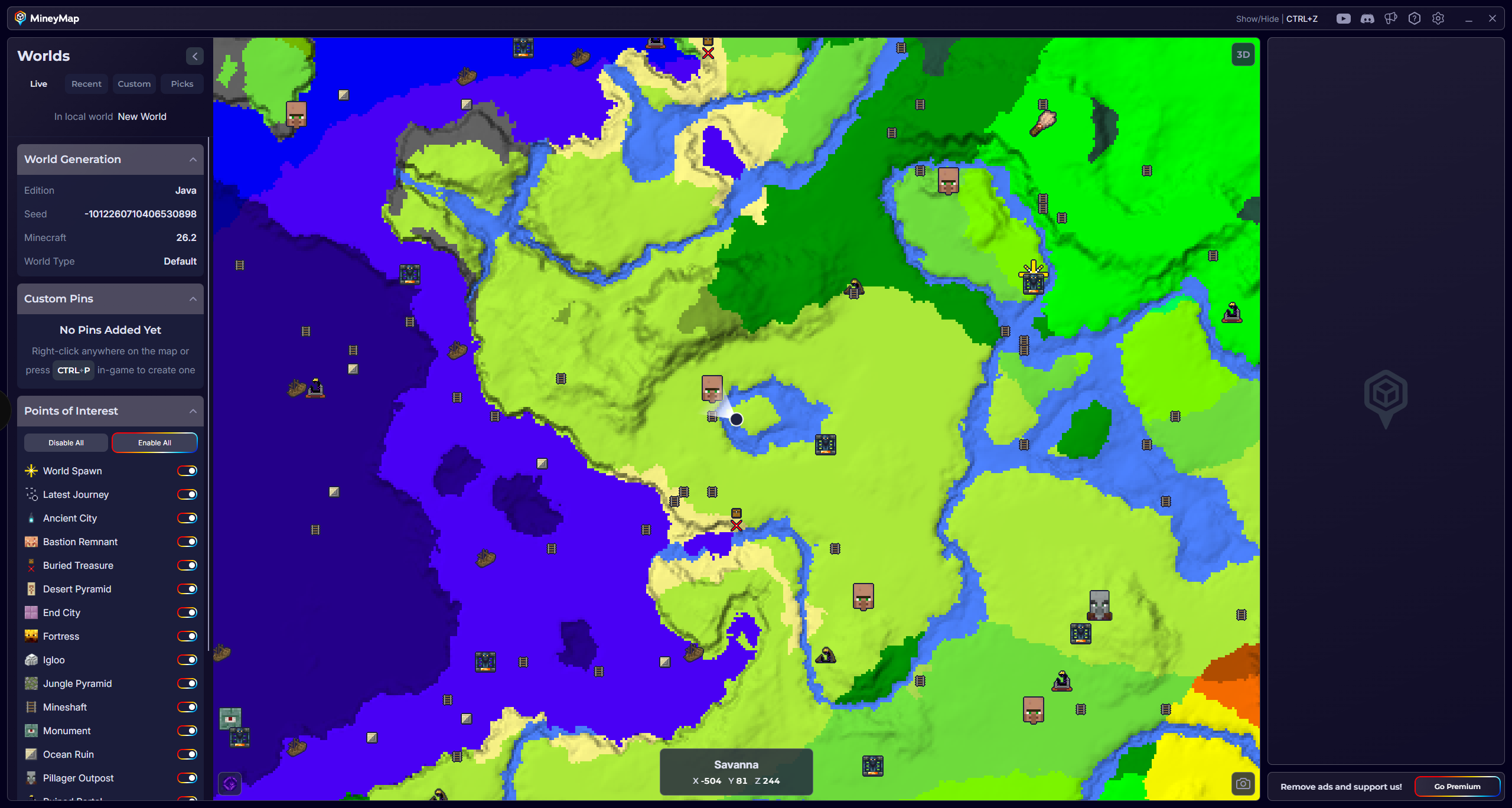
Choose the Biome on MineyMap
Instead of searching one horizon at a time, open the Minecraft biome map to find the biome you want and choose an area to visit. The full world map shows that terrain in relation to your current position before you commit to the journey.
06
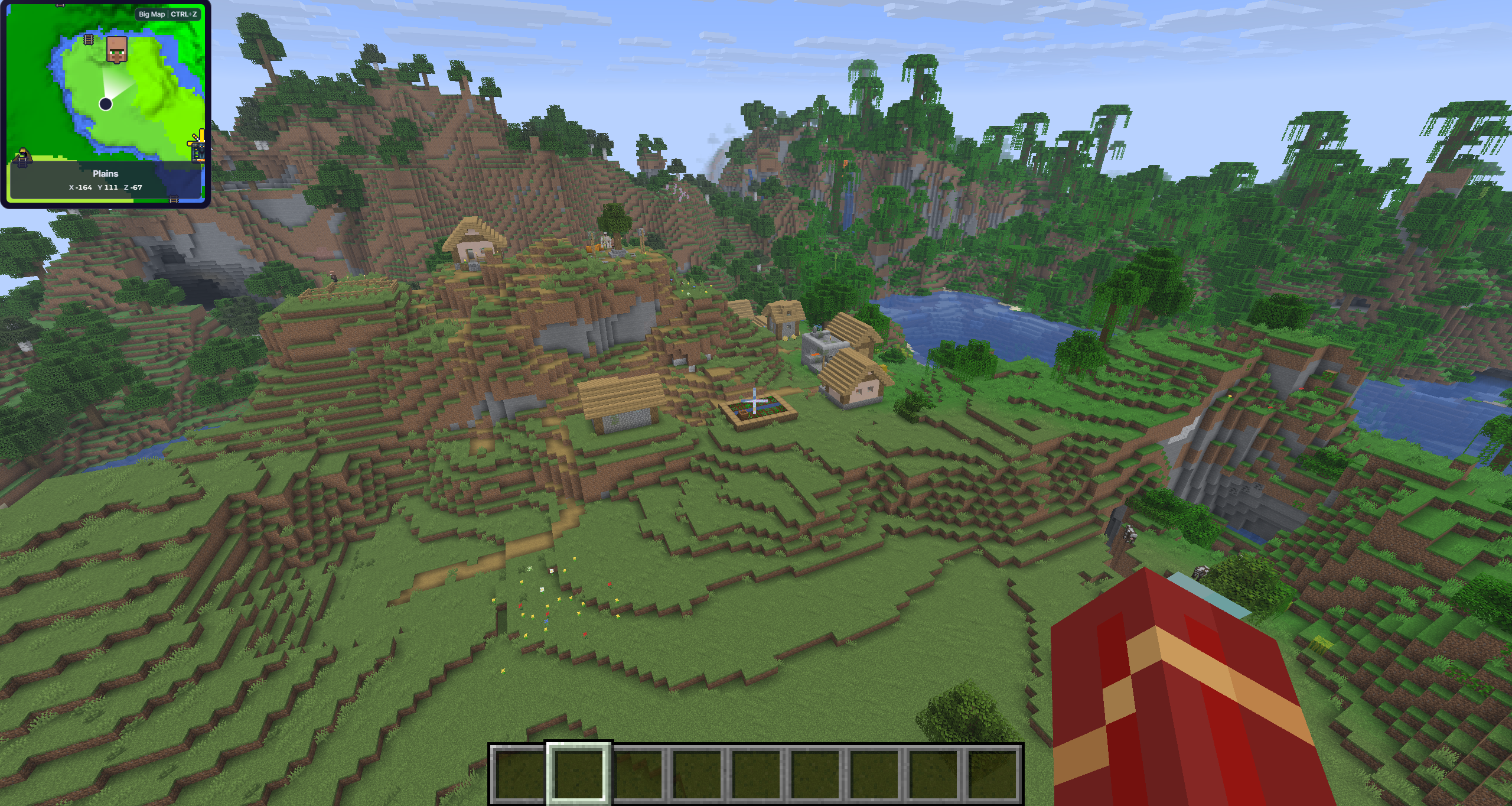
Follow Your Position as You Travel
Keep MineyMap on a second screen or open it in game. Watch your position update on the full world map or minimap as you travel, and use your XYZ coordinates when you need a precise location.
Biome by Biome
Useful Biome Finding Guides
This is a deliberately curated list. Each biome below has useful vanilla clues beyond simply walking until it appears.
Pale Garden
Find a Pale Garden by searching near dark forests, recognizing pale oak and hanging moss, or using Minecraft's biome command.
Read guide →Dappled Forest
Find Minecraft's Dappled Forest by following cold-biome borders and looking for autumn poplar trees.
Read guide →Sulfur Caves
Find Sulfur Caves in Minecraft Java 26.2 by following sulfur-spring surface clues, exploring below them, or using the biome command.
Read guide →Cherry Grove
Find a Cherry Grove by searching high mountain slopes, spotting pink canopies from a distance, or using Minecraft's locate-biome command.
Read guide →Mushroom Fields
Find rare Mushroom Fields by crossing large oceans, recognizing mycelium and giant mushrooms, or using the biome command.
Read guide →Badlands
Find Badlands by searching warm, dry climate regions and looking for terracotta cliffs, red sand, and exposed gold ore.
Read guide →Bamboo Jungle
Find a Bamboo Jungle by locating a jungle region, searching its interior and borders, and recognizing dense bamboo and pandas.
Read guide →Mangrove Swamp
Find a Mangrove Swamp in warm regions by looking for dense mangrove roots, muddy water, mud blocks, and frogs.
Read guide →Deep Dark
Find the Deep Dark beneath mountainous terrain by exploring near deepslate level, recognizing sculk, or using the biome command.
Read guide →Lush Caves
Find Lush Caves by spotting azalea trees on the surface, following rooted dirt downward, or using the locate-biome command.
Read guide →Dripstone Caves
Find Dripstone Caves by exploring large underground openings, following exposed cave systems, or using Minecraft's biome command.
Read guide →Ice Spikes
Find the rare Ice Spikes biome by searching cold climate zones for towering packed-ice formations or using the biome command.
Read guide →Snowy Slopes
Find Snowy Slopes on tall mountain flanks by recognizing treeless snow, powder snow, goats, and nearby peaks.
Read guide →Meadow
Find a Meadow on elevated mountain plateaus by looking for flower-covered grass, sparse trees, and nearby peaks.
Read guide →Warm Ocean
Find a Warm Ocean by searching tropical coastlines for light water, coral reefs, sea pickles, and tropical fish.
Read guide →Soul Sand Valley
Find a Soul Sand Valley in the Nether by scanning for blue fog, soul fire, fossils, and wide exposed terrain.
Read guide →Crimson Forest
Find a Crimson Forest in the Nether by following red fog and vegetation, listening for piglins and hoglins, or using commands.
Read guide →Warped Forest
Find a Warped Forest by searching the Nether for cyan fog, warped fungi, twisting vines, and abundant Endermen.
Read guide →Basalt Deltas
Find Basalt Deltas by recognizing ash-filled gray fog, jagged basalt columns, blackstone, lava pockets, and magma cubes.
Read guide →Nether Wastes
Identify Nether Wastes by their red netherrack terrain, sparse vegetation, neutral piglins, and classic Nether mob mix.
Read guide →