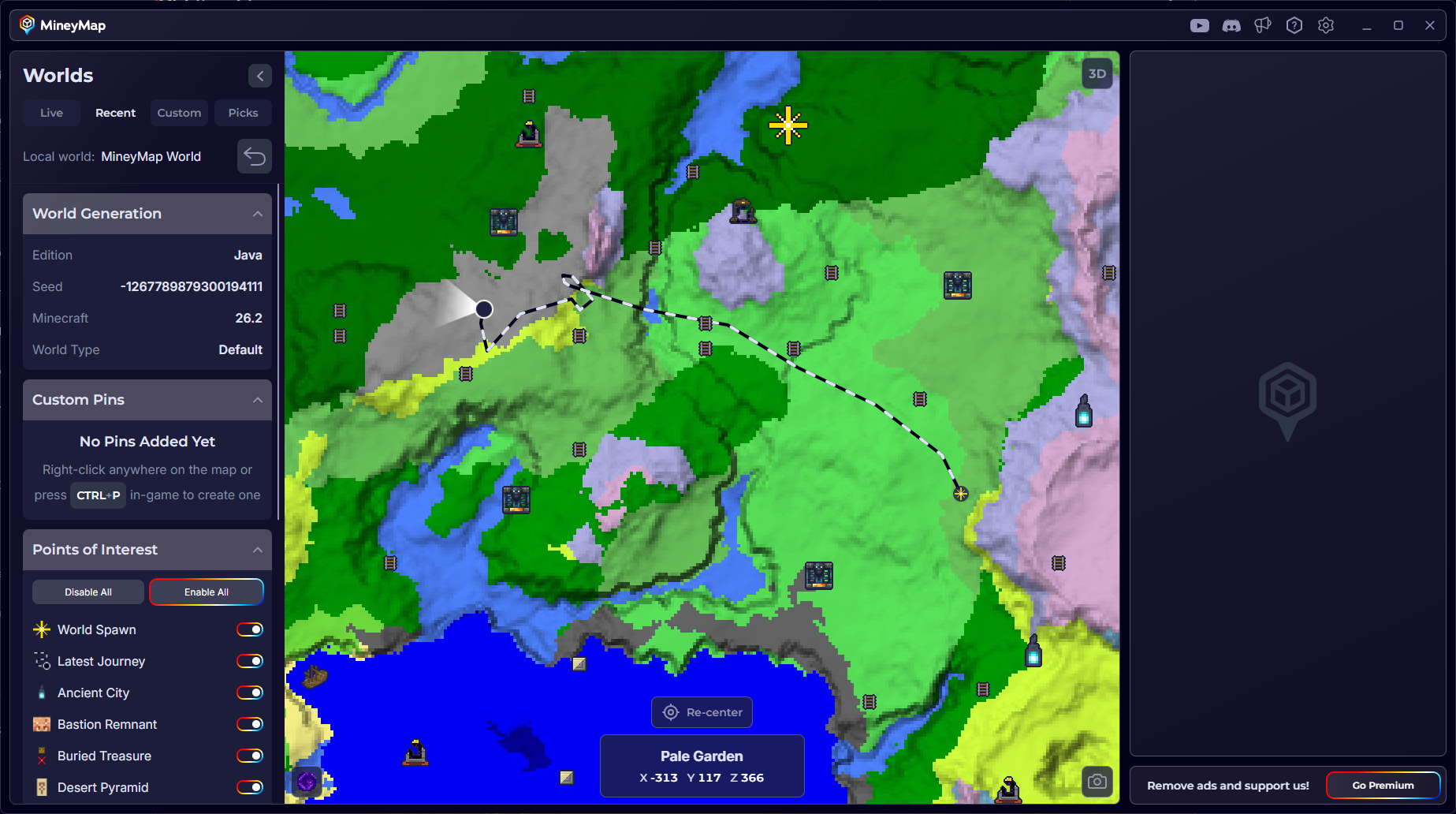
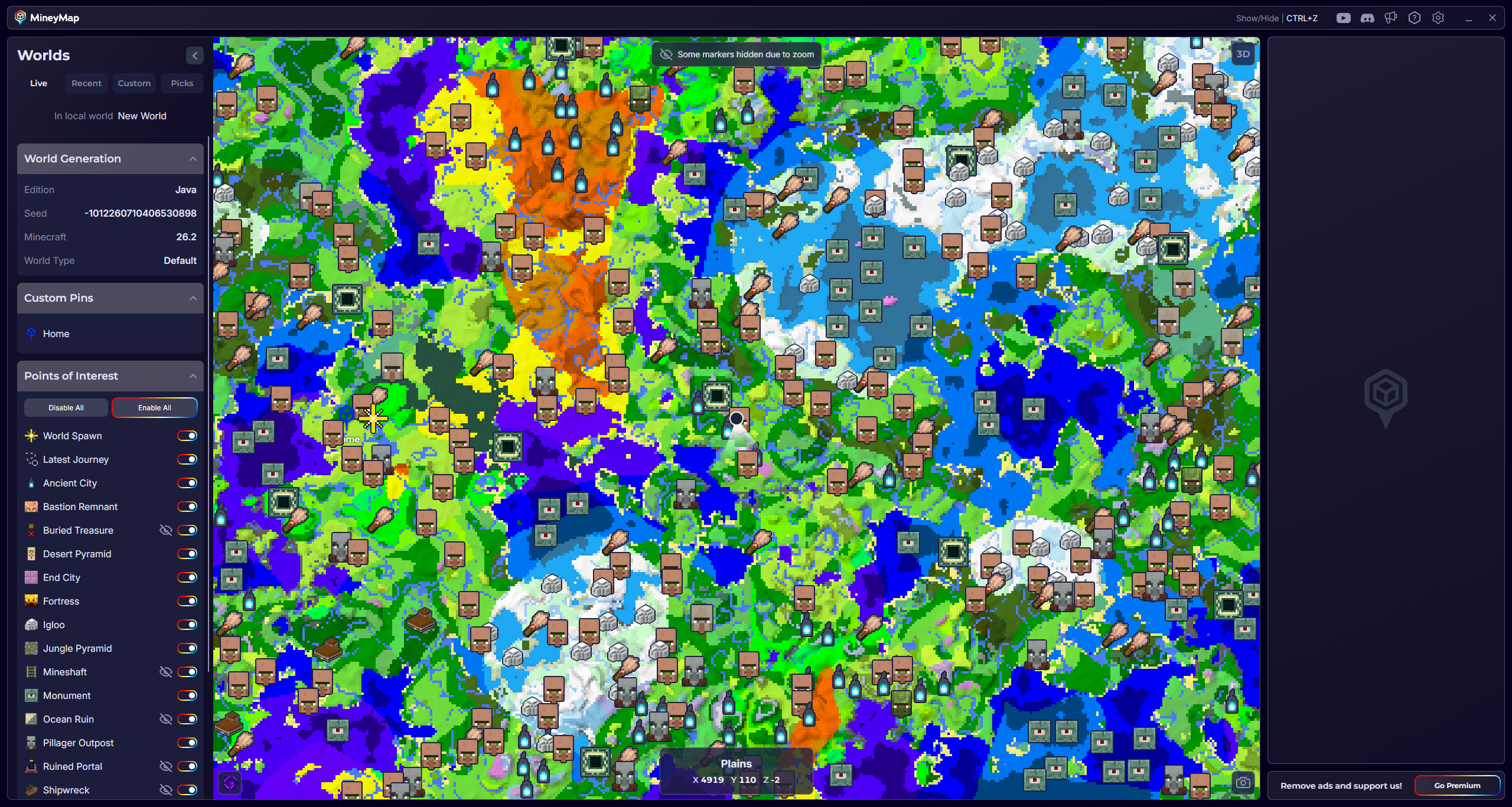
Find Biomes and Points of Interest
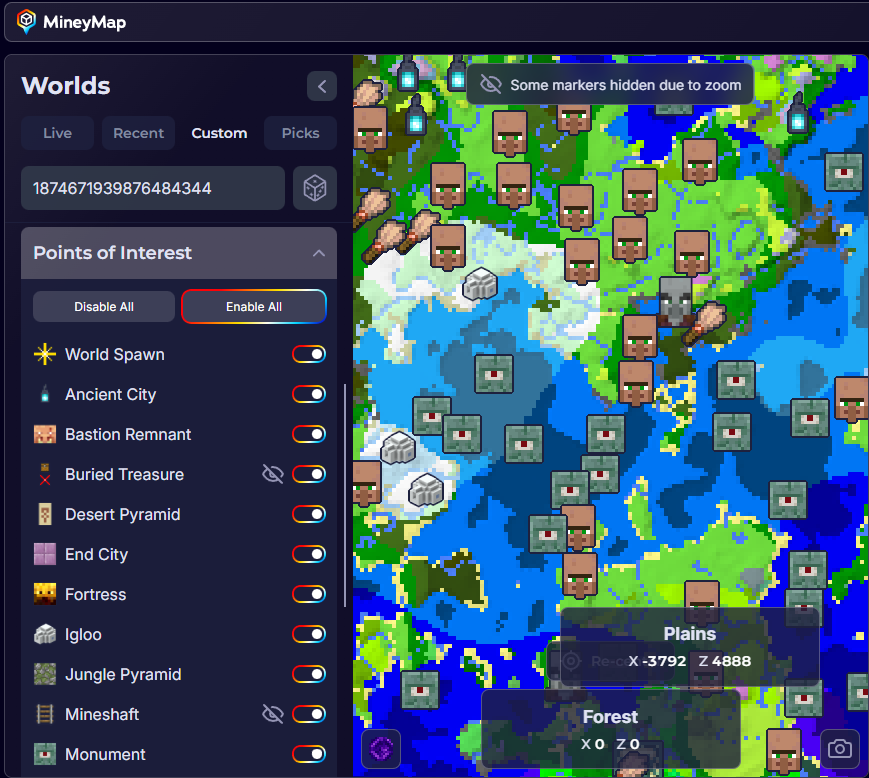
Biomes are shown in distinct colors, making them easy to identify as you explore the map. Points of interest appear as icons. When you zoom out, frequent structures that could clutter the map are hidden automatically. You can also choose which types of icons to show from the sidebar whenever you want a clearer view.
Mark Important Places with Pins
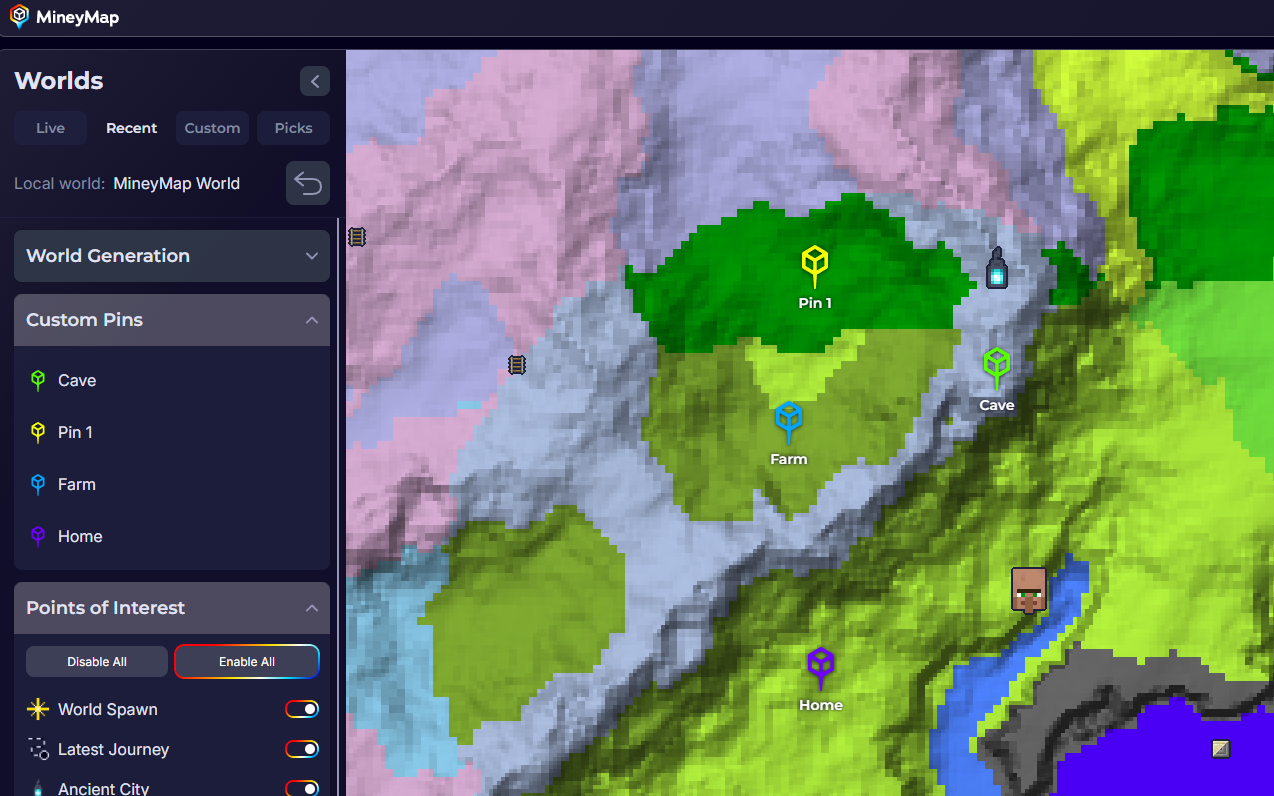
While you are playing, press CTRL+P to pin your current location, or right-click the large map to pin another place. Name pins for bases, cave entrances, portals, planned builds, or anything else you want to revisit. Selecting a pin from the Custom Pins list centers the map on it, even if it is in another dimension.
- Pins are saved separately for each world
- You can rename or delete pins at any time
Return to Numbered Death Markers
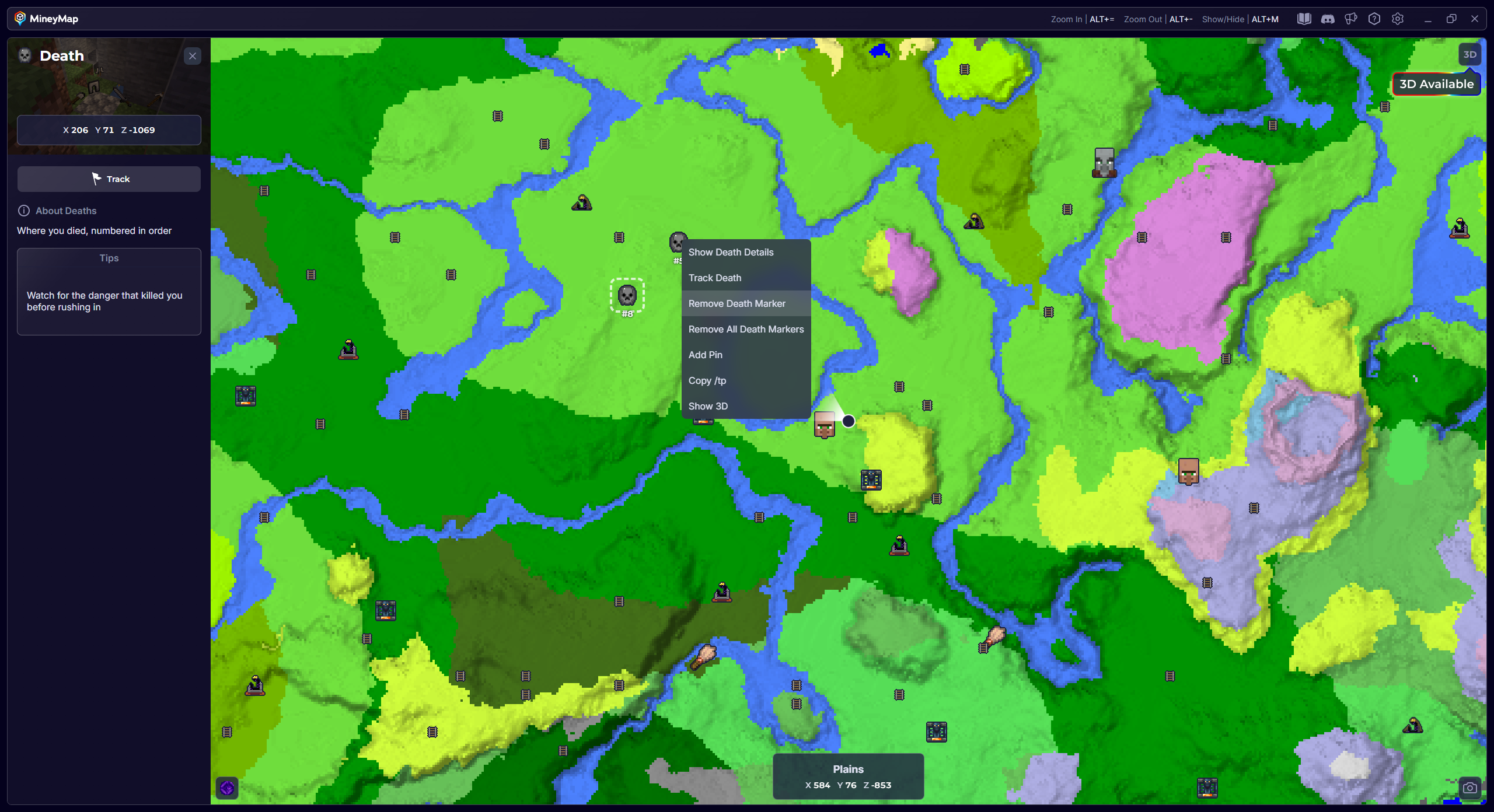
When MineyMap is running, it automatically detects each death and places a numbered  marker at that location. You can view the marker on both the main map and minimap to guide your return.
- Each death is numbered in ascending order for that world
- Click a marker to view the exact X, Y, and Z coordinates
- Right-click a marker when you want to remove it
- Turn off Death markers from the POIs list if you don’t want to see them
Track Locations and Keep Them in View
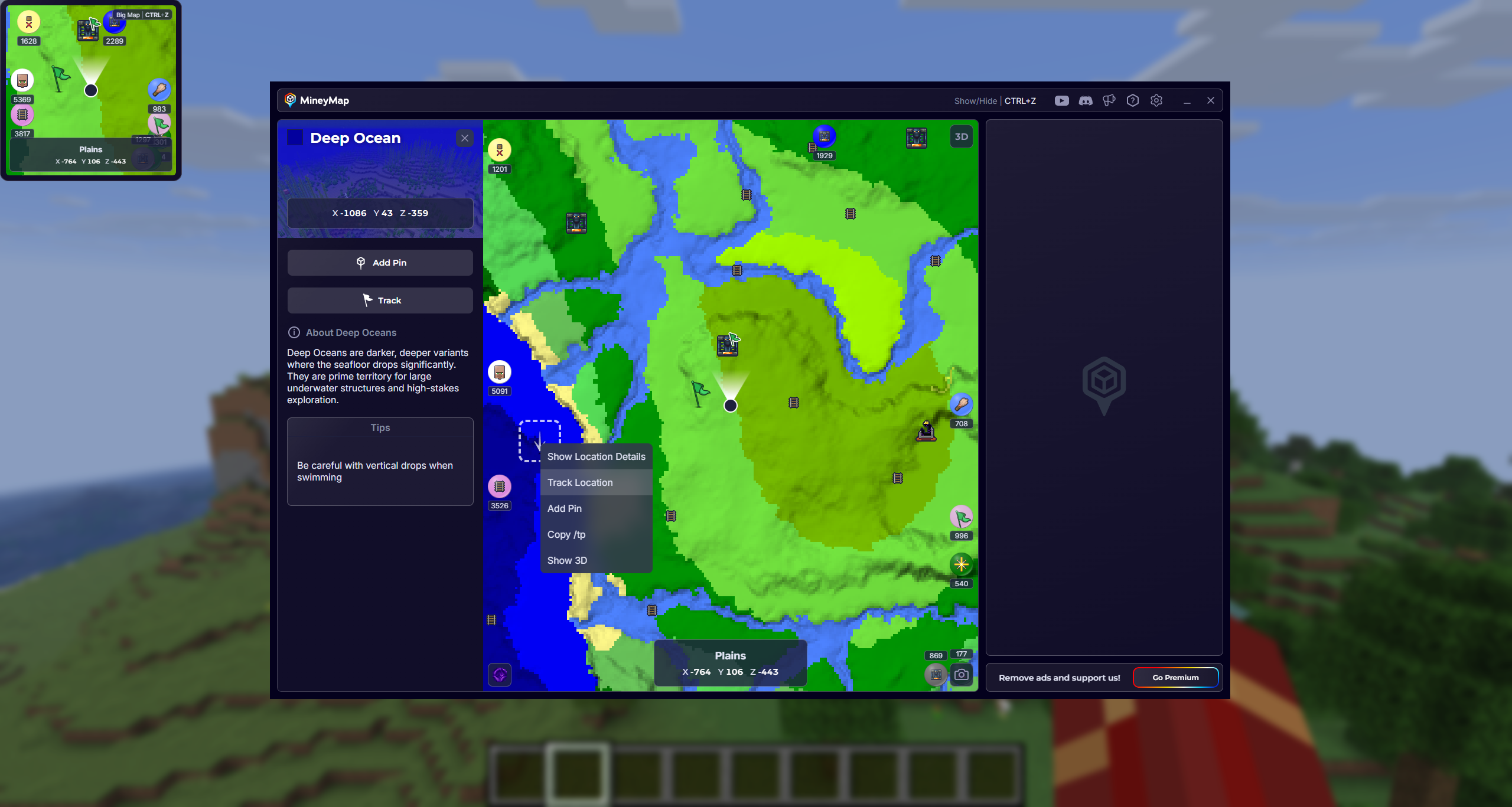
Track any location on the map, including points of interest and custom pins, to keep it visible while you travel. A small flag marks every tracked location. If a tracked destination moves beyond the visible map area, an off-screen indicator shows its direction and distance in blocks. Tracked locations appear on both the large map and the minimap, so you can continue following them while playing.
- Right-click a location and select Track Location, or left-click it and choose Track in the side panel
- Track as many locations, pins, and points of interest as you want
- To stop tracking, choose Untrack the same way
Organize Your Recent Worlds
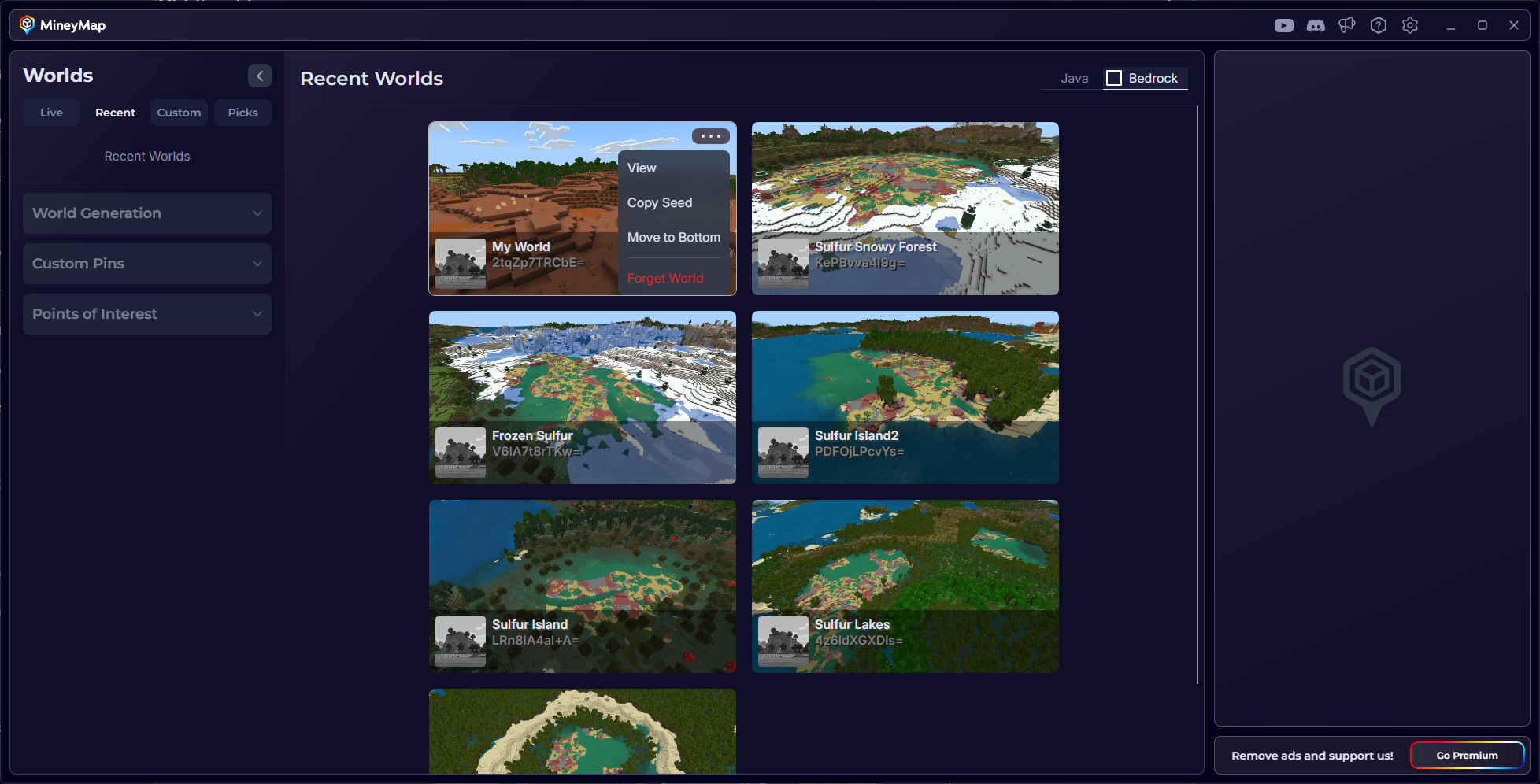
Right-click any world tile in Recent Worlds to open its menu, then move it to the bottom of the list or choose Forget World. Forgetting a world removes it from MineyMap's list; it does not delete the Minecraft save. If you enter the world again, the world tile will reappear on MineyMap.
Review Your Latest Journey
After a play session, open that world from Recent Worlds to see Latest Journey. It shows the last route you took in that specific world, making it easier to retrace a trip or remember where you explored.