Minecraft Explorer Map Guide

What Are Explorer Maps in Minecraft?

Explorer Maps are special Minecraft maps that point to structures, biomes, and other destinations. Upcoming Minecraft versions add new Explorer Maps found in Abandoned Camp chests.

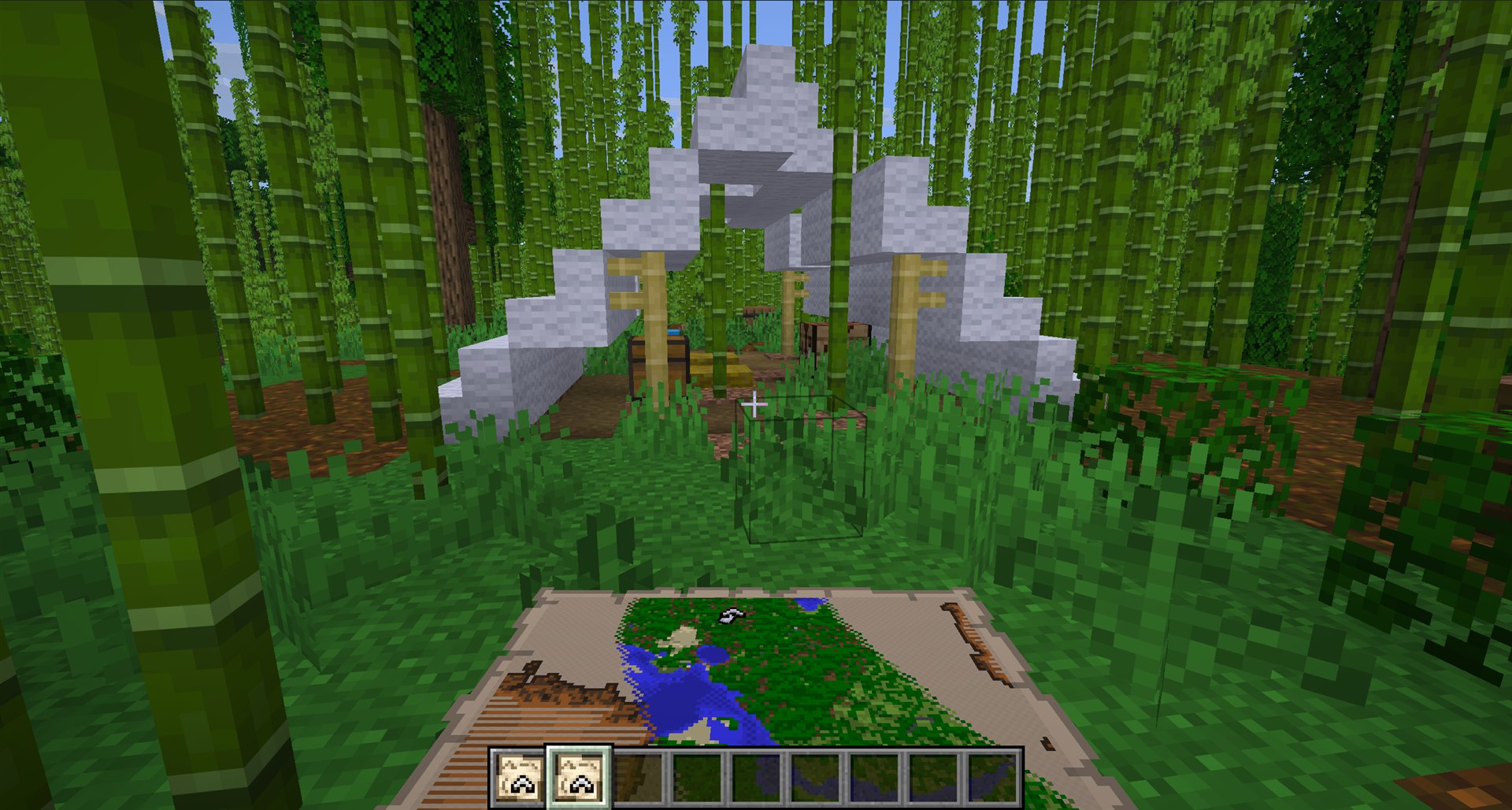
A Minecraft Explorer Map held near the Abandoned Camp marked on it

What Is an Explorer Map?

An Explorer Map is a special map item generated with a destination already marked. Unlike a standard empty map, its purpose is not simply to record the terrain around the player: it gives you a direction to travel and a target to discover. Classic examples lead to Ocean Monuments and Woodland Mansions, while newer variants expand the system to more biomes and structures.

How to Get Explorer Maps

Where you find an Explorer Map depends on its type and your Minecraft version. Upcoming versions add Abandoned Camps with new Explorer Map types in their chests.

  • Trade with and level up cartographer villagers
  • Search shipwrecks and ocean ruins for Buried Treasure Maps
  • Check chests when exploring new Abandoned Camps
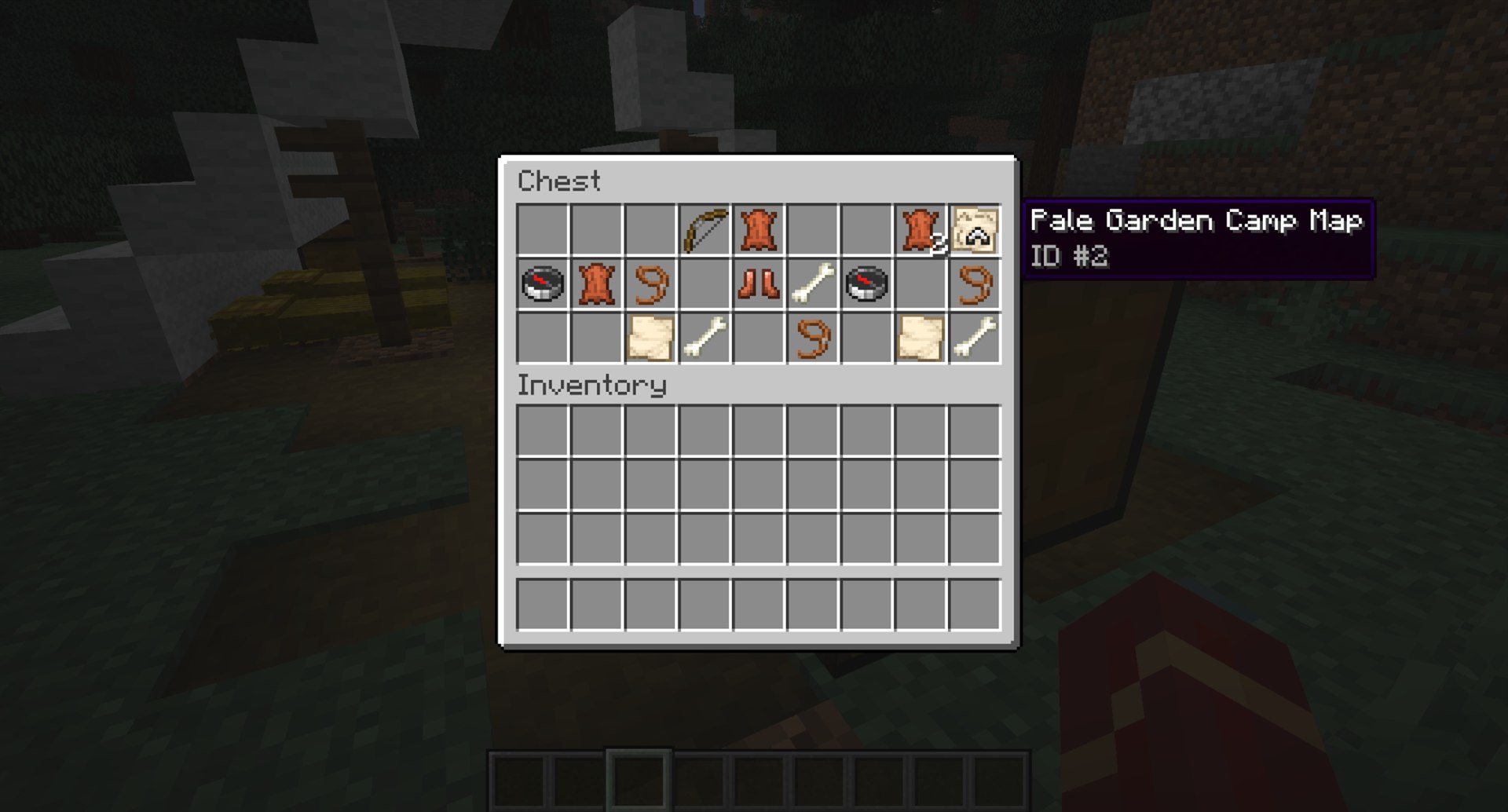
A Pale Garden Camp Map highlighted inside an Abandoned Camp chest
Abandoned Camp chests can contain Explorer Maps that begin a new journey

New Maps Found in Abandoned Camps

Current Java snapshots add several Explorer Map types to Abandoned Camp chests. Depending on the map, they can lead to another camp or a different type of structure. Java currently includes a few additional destinations not yet confirmed for Bedrock.

Available Maps

  • Abandoned Camps: Bamboo Jungle, Cherry Grove, Birch Forest, Dappled Forest, Flower Forest, Pale Garden, Swamp, and Windswept Forest
  • Villages: Desert, Plains, Savanna, Snowy, and Taiga
  • Buried Ancient City
  • Buried Trial Chambers
  • Buried Mineshaft
  • Desert Pyramid
  • Jungle Pyramid
  • Warm Ocean Ruins
  • Woodland Mansion
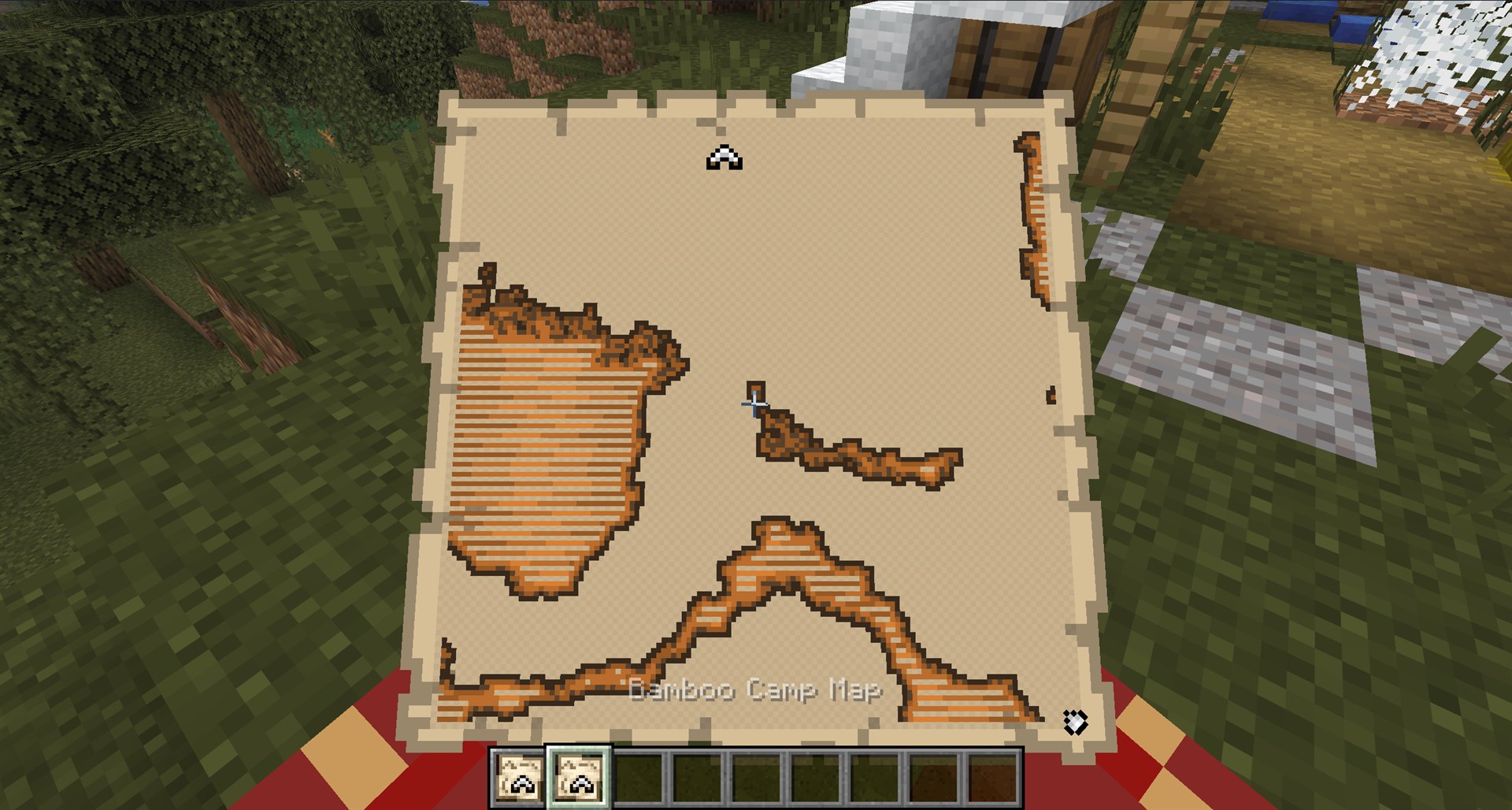
A Bamboo Camp Map held in Minecraft with its destination marker visible
Explorer Map names identify the destination type. In this example, it points to another camp in a Bamboo Jungle

How to Use an Explorer Map

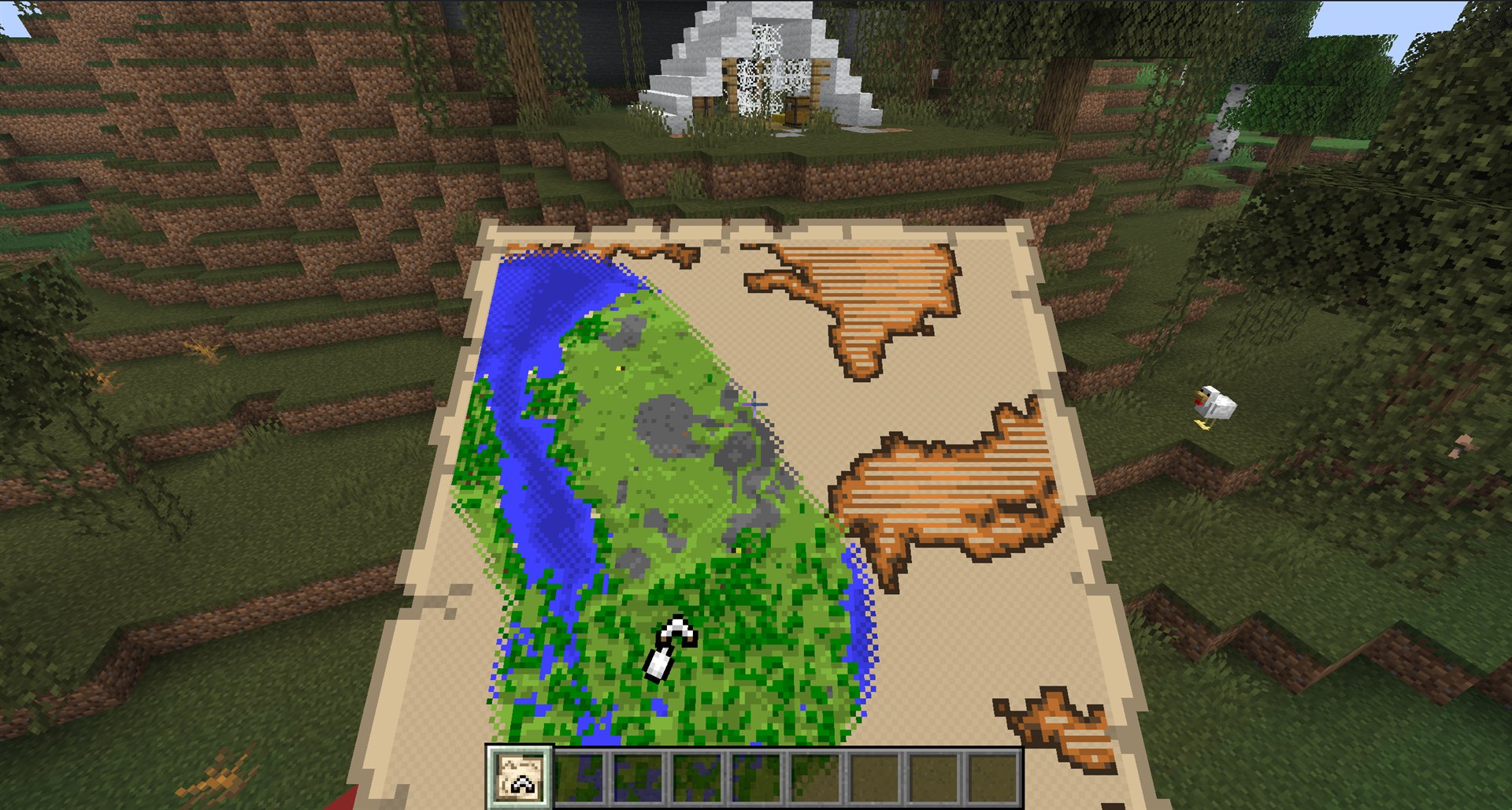
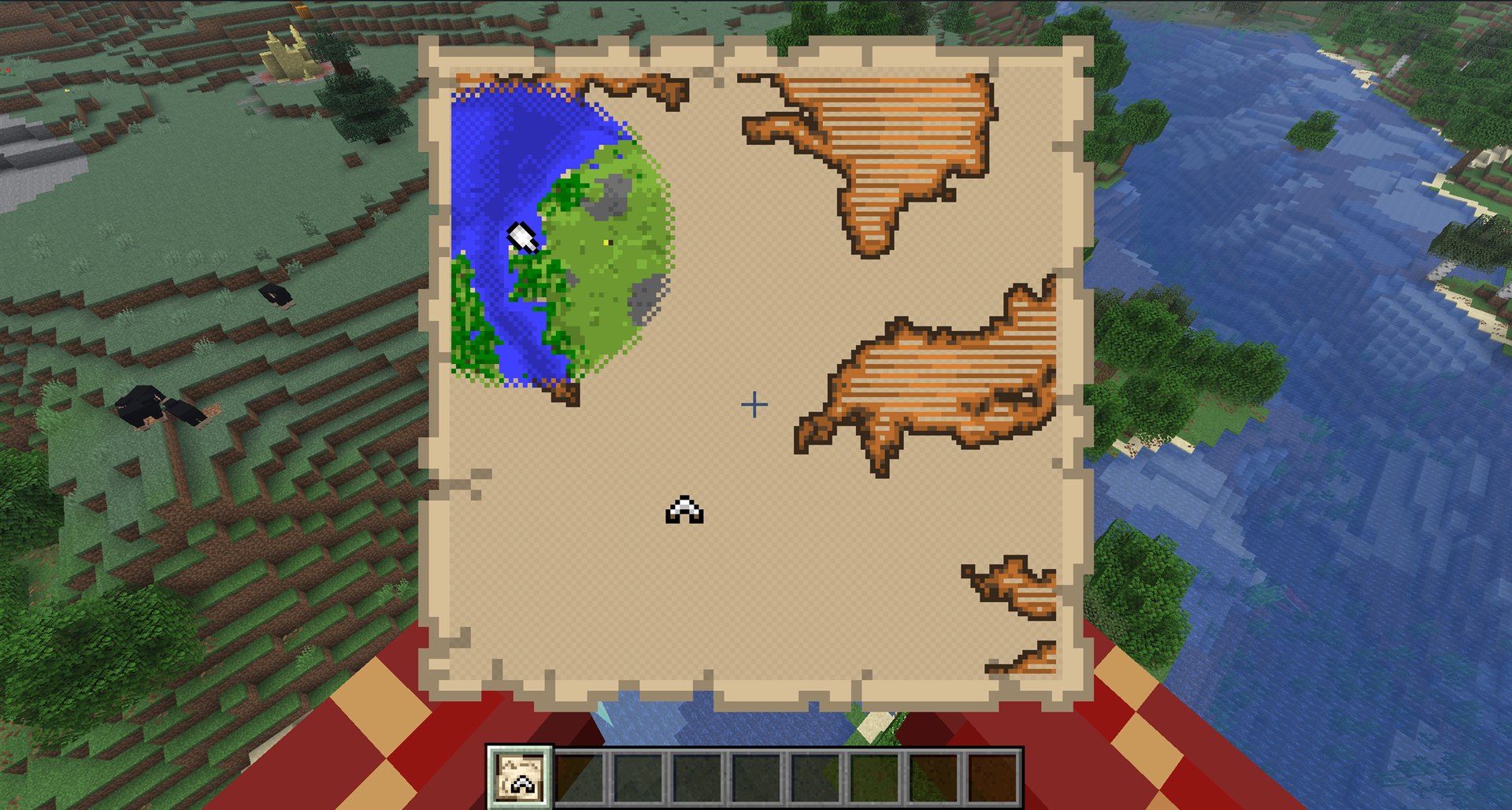
An Explorer Map shows your position relative to its marked destination. When you are outside the covered area, your player marker appears near the edge and moves inward as you get closer.
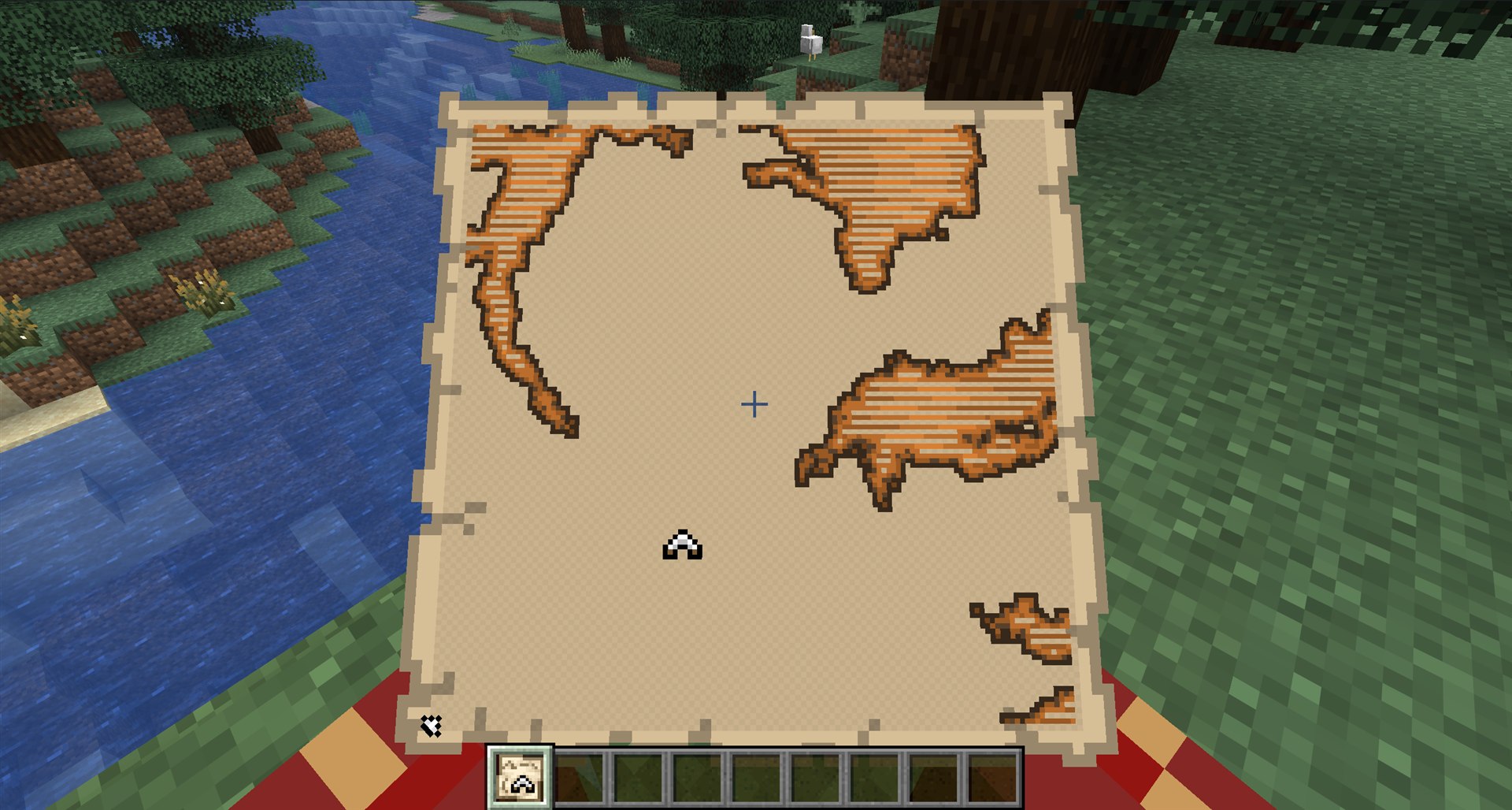
An Explorer Map with the player marker outside its covered area
Reach the Map AreaYour player marker shows your position relative to the mapped area. Follow the edge marker until it moves toward the map's interior
An Explorer Map partially revealing terrain as the player approaches
Reveal the LandscapeThe map reveals more terrain detail as you enter and explore the covered area. Use coordinates, a compass, or landmarks to stay on course
A player arriving at an Abandoned Camp while holding its Explorer Map
Find the DestinationThe destination symbol marks the area to search. Some destinations are visible on the surface, while others may be underground

Can Explorer Maps Be Crafted, Copied, or Zoomed Out?

Explorer Maps behave differently from standard maps. Each map type is its own item with an icon that reflects its destination.

  • Explorer Maps are not craftable. Only standard maps are
  • Cloning creates another copy of the same Explorer Map
  • Explorer Maps cannot be zoomed out
OR!

Use MineyMap Instead

You do not need an Explorer Map to find and navigate the world. MineyMap lets you:

  • Keep your live position and XYZ coordinates visible
  • Understand the terrain between you and the destination
  • Tracking: Keep a target's direction always in view
  • Mark useful stops or discoveries with named pins
  • See structures and points of interest around the world you are playing
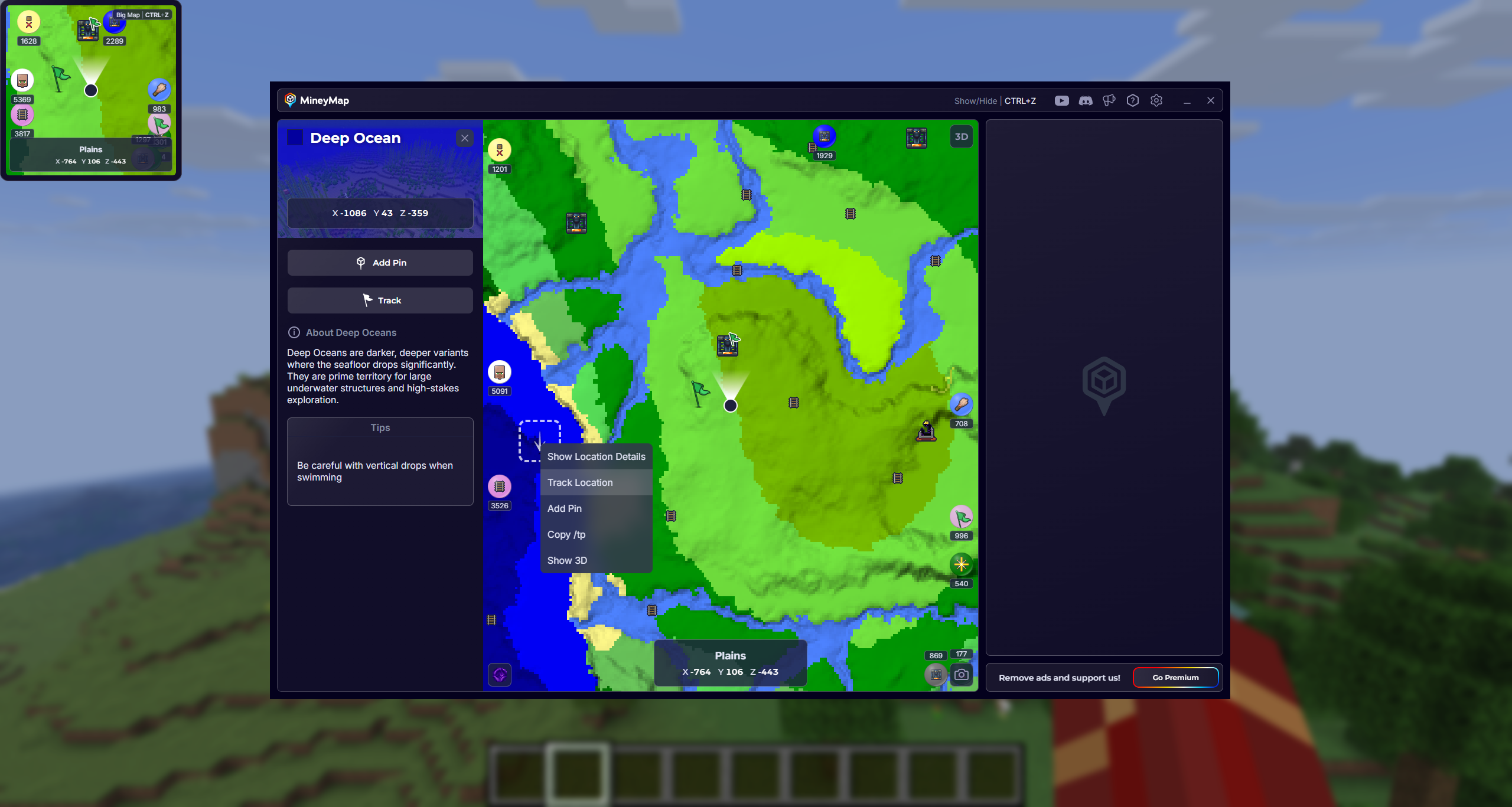
MineyMap large map and in-game minimap showing tracked locations with directional indicators and distances in blocks
Find and track structures across your world, keeping their direction and distance visible as you travel

Useful Answers

Questions, Answered

What are Explorer Maps in Minecraft?

Explorer Maps are special map items that show a marked destination, such as a structure, biome, village, or buried treasure location, and help the player travel toward it.

How do I get an Explorer Map in Minecraft?

Some Explorer Maps are sold by leveled cartographer villagers, Buried Treasure Maps are found in shipwrecks and ocean ruins, and new map types currently being tested can be found in Abandoned Camp chests.

What Explorer Maps can be found in Abandoned Camps?

Current test versions include maps to other Abandoned Camp variants, Ancient Cities, Mineshafts, Desert Pyramids, and Warm Ocean Ruins. Java snapshots currently include additional destinations such as Trial Chambers, Jungle Pyramids, and Woodland Mansions.

Can an Explorer Map lead to an Ancient City?

Yes. Buried Ancient City Maps are included in the Explorer Maps currently being tested in Java snapshots and Bedrock Preview or Beta.

Can you craft an Explorer Map?

No standard crafting recipe turns an ordinary map into an Explorer Map with a destination. Obtain the destination map through its relevant villager trade or loot source.

Can you copy an Explorer Map?

Yes. Explorer Maps can be cloned in a crafting table, and the copy retains the same Explorer Map item type and destination data.

Can you zoom out an Explorer Map?

Explorer Maps and Buried Treasure Maps cannot be zoomed out in a crafting table or cartography table.

Are the new Explorer Maps available in normal Minecraft worlds?

The expanded Abandoned Camp Explorer Maps are currently test features in Java snapshots and Bedrock Preview or Beta. Availability may change when the associated game drop reaches stable releases.

Does MineyMap replace an Explorer Map?

They serve different purposes. An Explorer Map creates an in-game destination and adventure objective, while MineyMap provides a wider live view of terrain, coordinates, supported locations, and your current position during the journey.

Map the World You Play

Stay Oriented in Your Next Minecraft World

Keep terrain, live coordinates, useful locations, and the places you save together on one clear map.

Download MineyMapFree Contains ads Subscription available