Remember the Dimension and Route
Before rushing back, write down everything you remember. Was the death in the Overworld, Nether, or End? Were you inside a cave, near a portal, following a coastline, or traveling toward known coordinates? The correct dimension matters because death-location tools cannot guide you across dimensions. Take only the supplies you need so a second death does not create another recovery problem.
Quick Details to Record
- The dimension where you died
- The last coordinates, biome, structure, or landmark you remember
- The portal, path, or direction you used to reach the area
- Nearby hazards or difficult terrain to prepare for on the return trip
Use a Recovery Compass
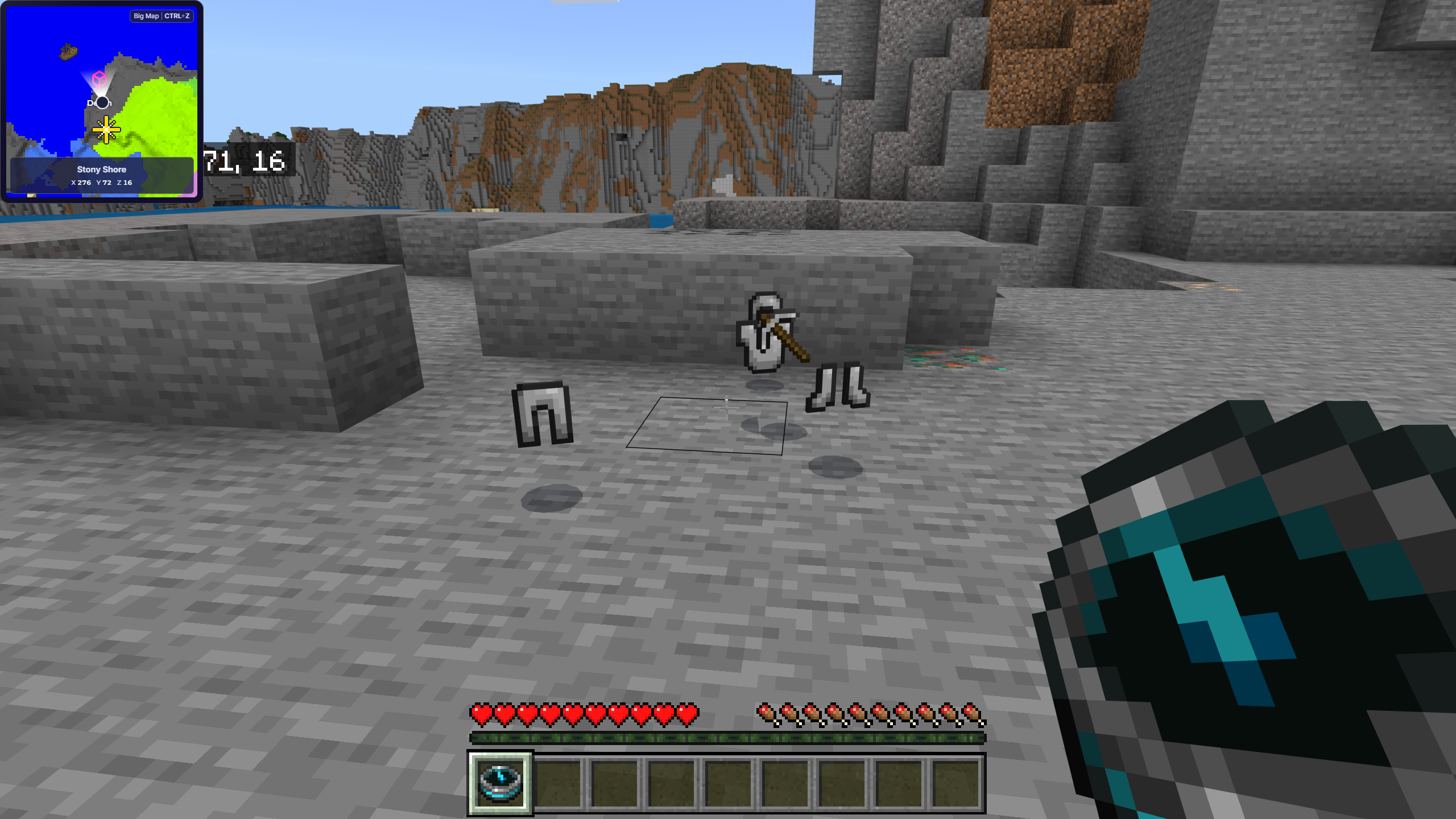
A Recovery Compass points toward your most recent death location when you are in the same dimension. If you are in the wrong dimension, have not died, or no valid death location is available, its needle spins instead. Keep the compass at home with spare food, armor, and tools so it is ready after you respawn. If you die again during the recovery trip, it points to the newer death location rather than the original one.
Check Your Last Death Location in Java Edition
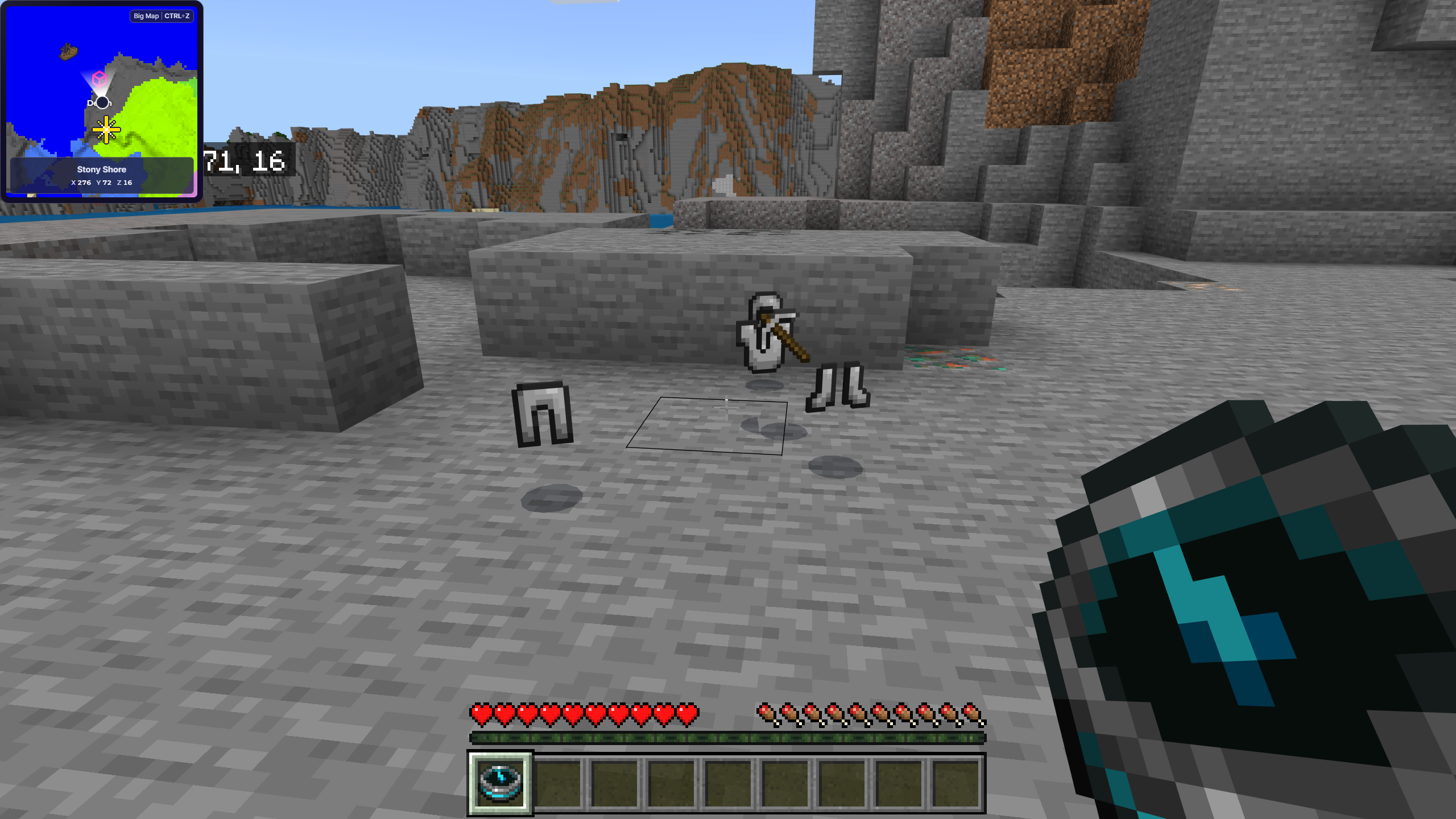
Java Edition stores the player's latest death location. With cheats or the required command permission, run /data get entity @s LastDeathLocation after respawning to display the stored dimension and coordinates. Bedrock Edition does not provide the same vanilla command, so Bedrock players should use a Recovery Compass or retrace the route manually.
Requirements for This Method
- You are playing Java Edition
- Commands are enabled or you have permission to use them
- You need exact coordinates rather than a general compass direction
Return to Known Death Coordinates
If you recorded your coordinates before dying, navigate back by matching the X and Z values first, then use Y to find the correct height. Caves, cliffs, and tall structures make the vertical coordinate especially important. See our Minecraft coordinates guide if you need help reading each axis.
Retrace Landmarks and Your Travel Path
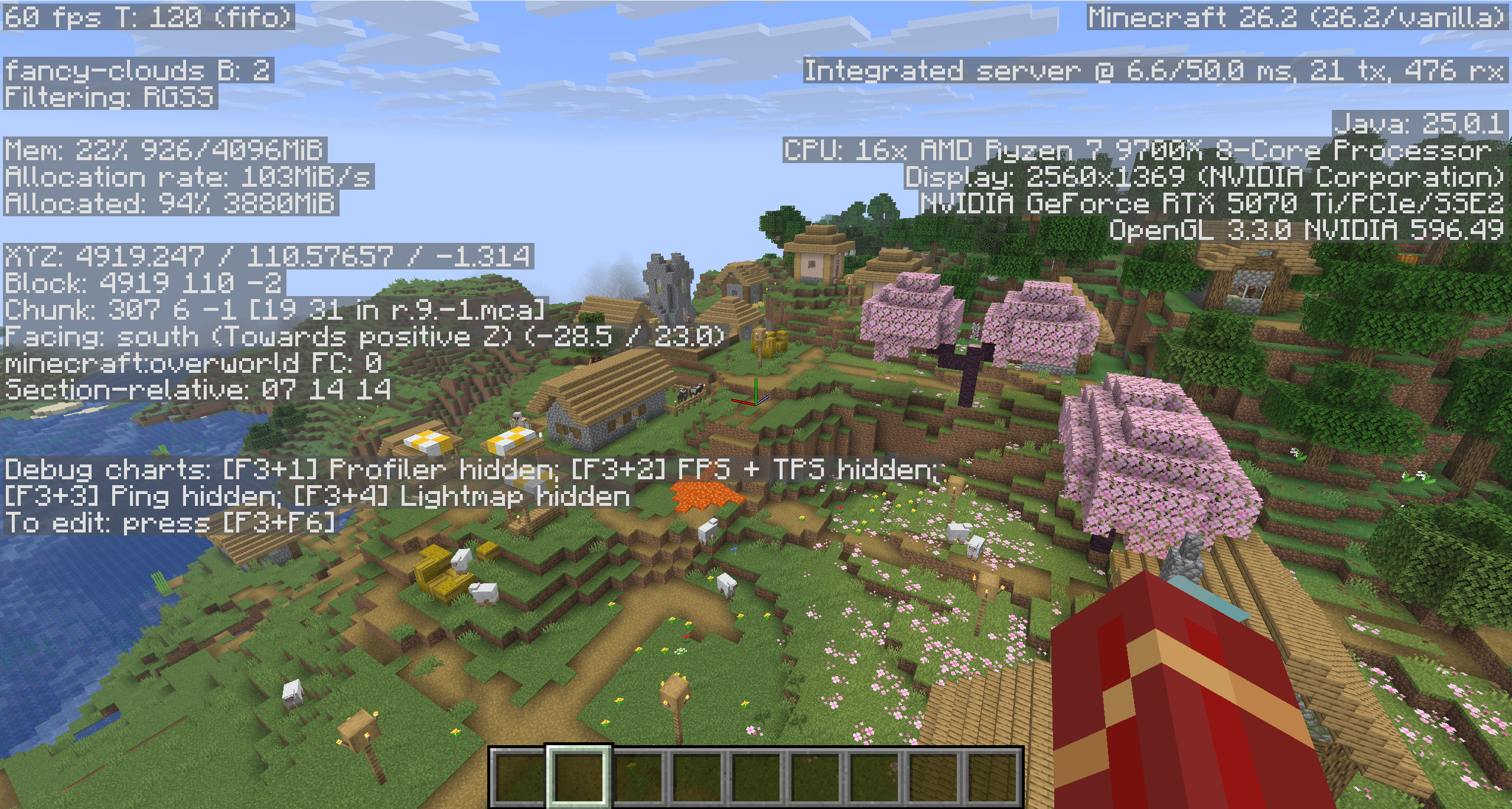
Without coordinates or a Recovery Compass, return to the last place you recognize and follow the original route carefully. Look for torch trails, tunnels, bridges, boats, portals, mined blocks, villages, coastlines, mountain shapes, or other changes you made. Avoid wandering randomly because every new direction makes the original path harder to reconstruct.
Understand What Can Happen to Dropped Items
Finding the correct location does not guarantee that every item survived. Most dropped items can despawn after spending time in loaded chunks. Items may also burn in lava or fire, fall into the void, or be moved by water, explosions, mobs, or other players. If the death area is far away and its chunks are unloaded, the despawn countdown is generally not progressing until the area loads again. Prepare before re-entering the area, then search efficiently.
Use Mineymap's Automatic Death Markers
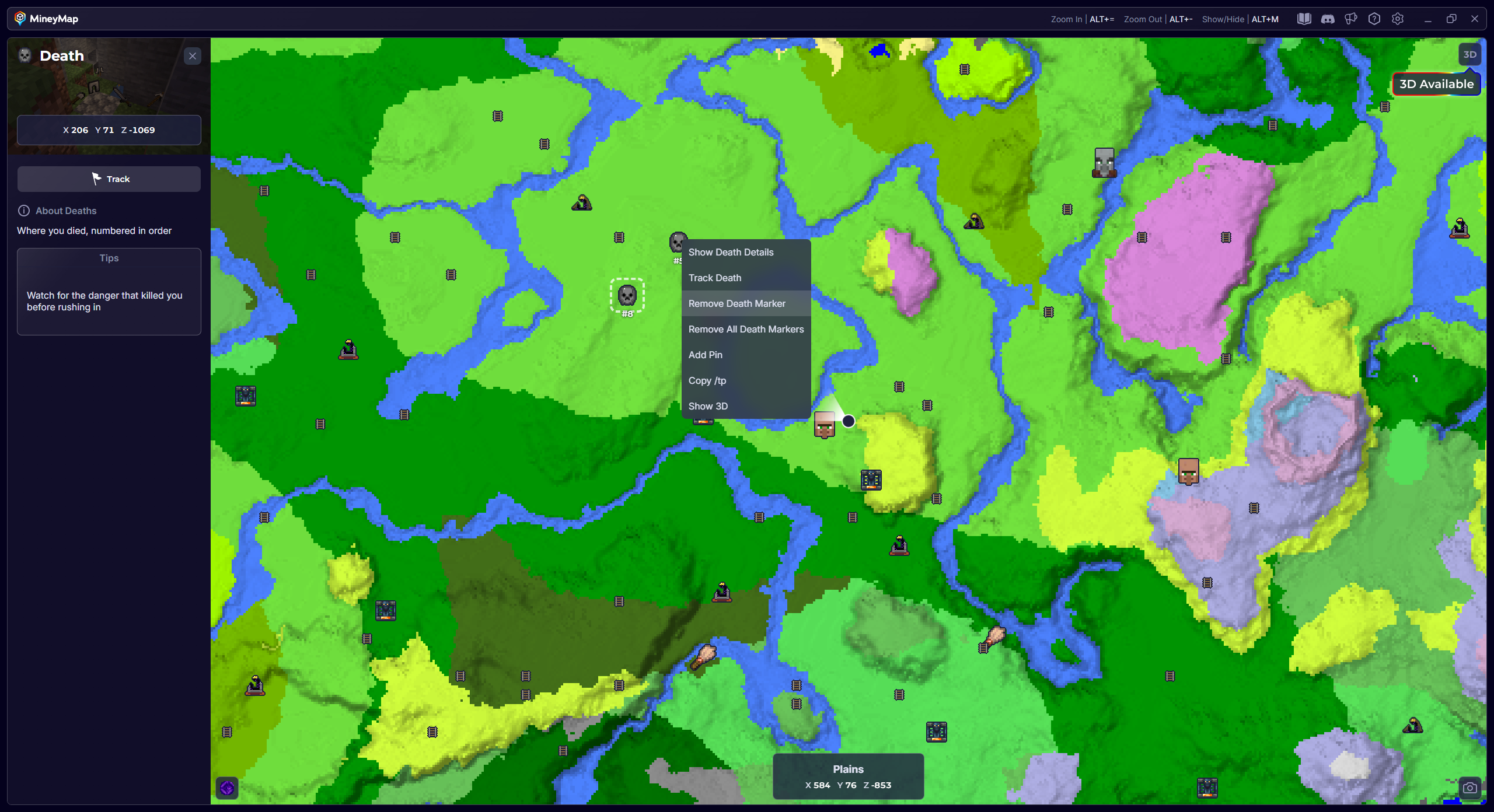
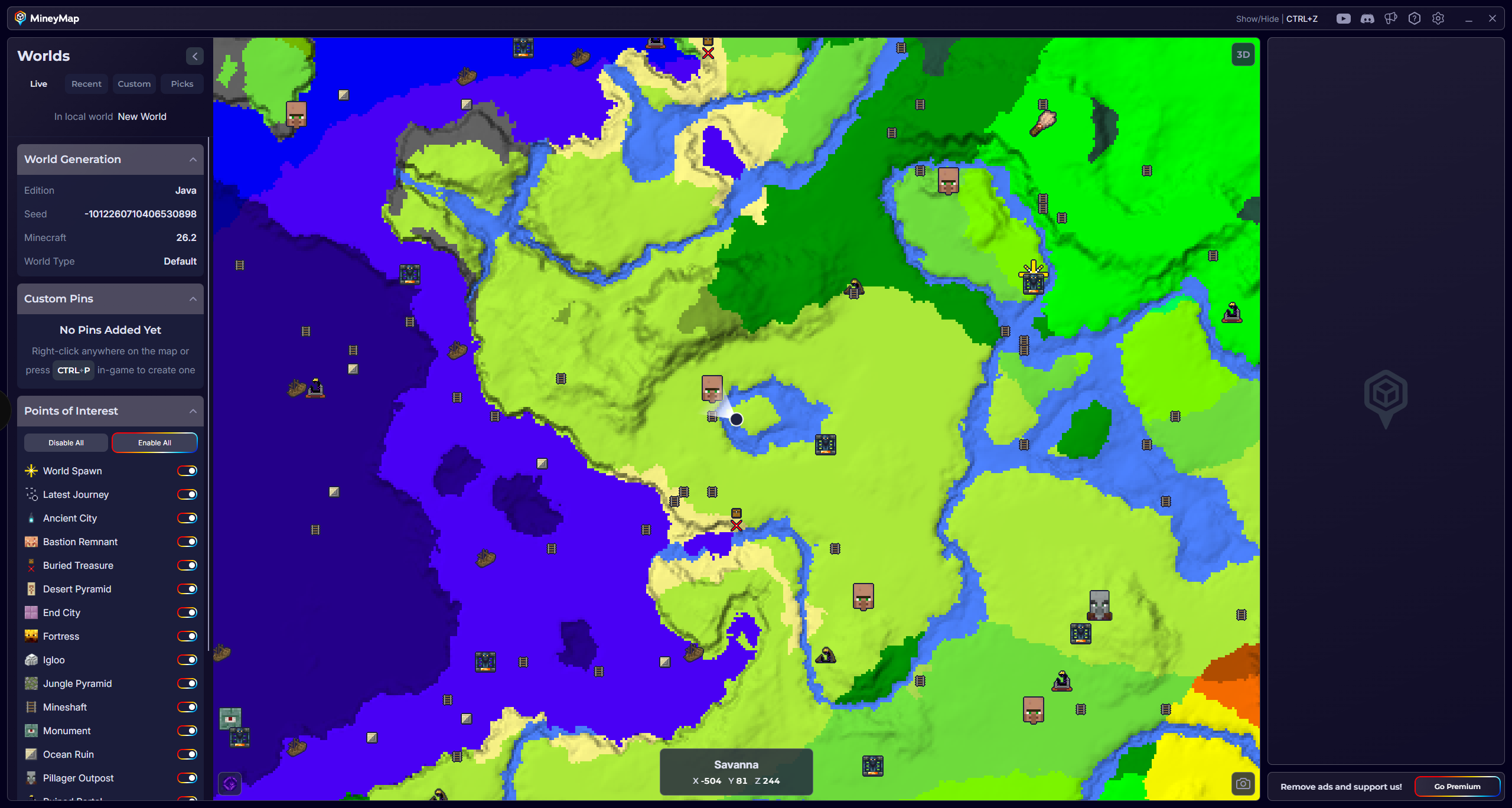
When MineyMap is running, it automatically detects each death and places a numbered Death marker at that location. You can view the marker on both the main map and minimap to guide your return.
How Death Markers Work
- Each death is numbered in ascending order for that world
- Click a marker to view the exact X, Y, and Z coordinates
- Right-click a marker when you want to remove it
- Turn off Death markers from the POIs list if you don’t want to see them