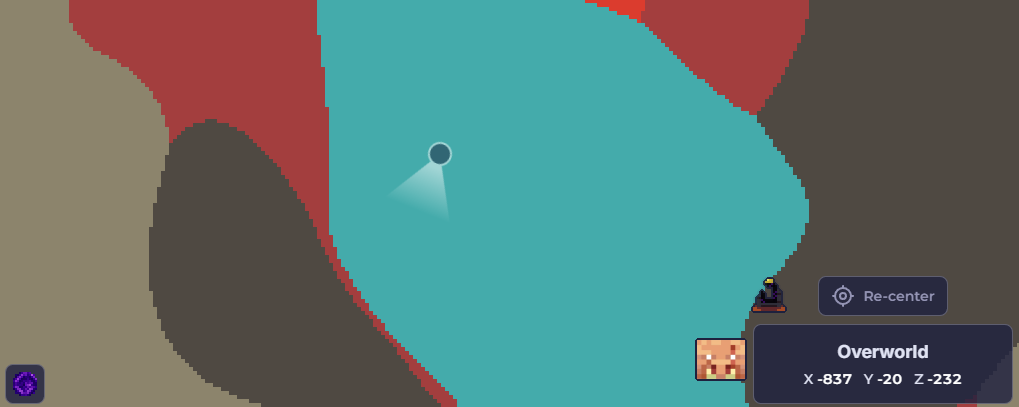
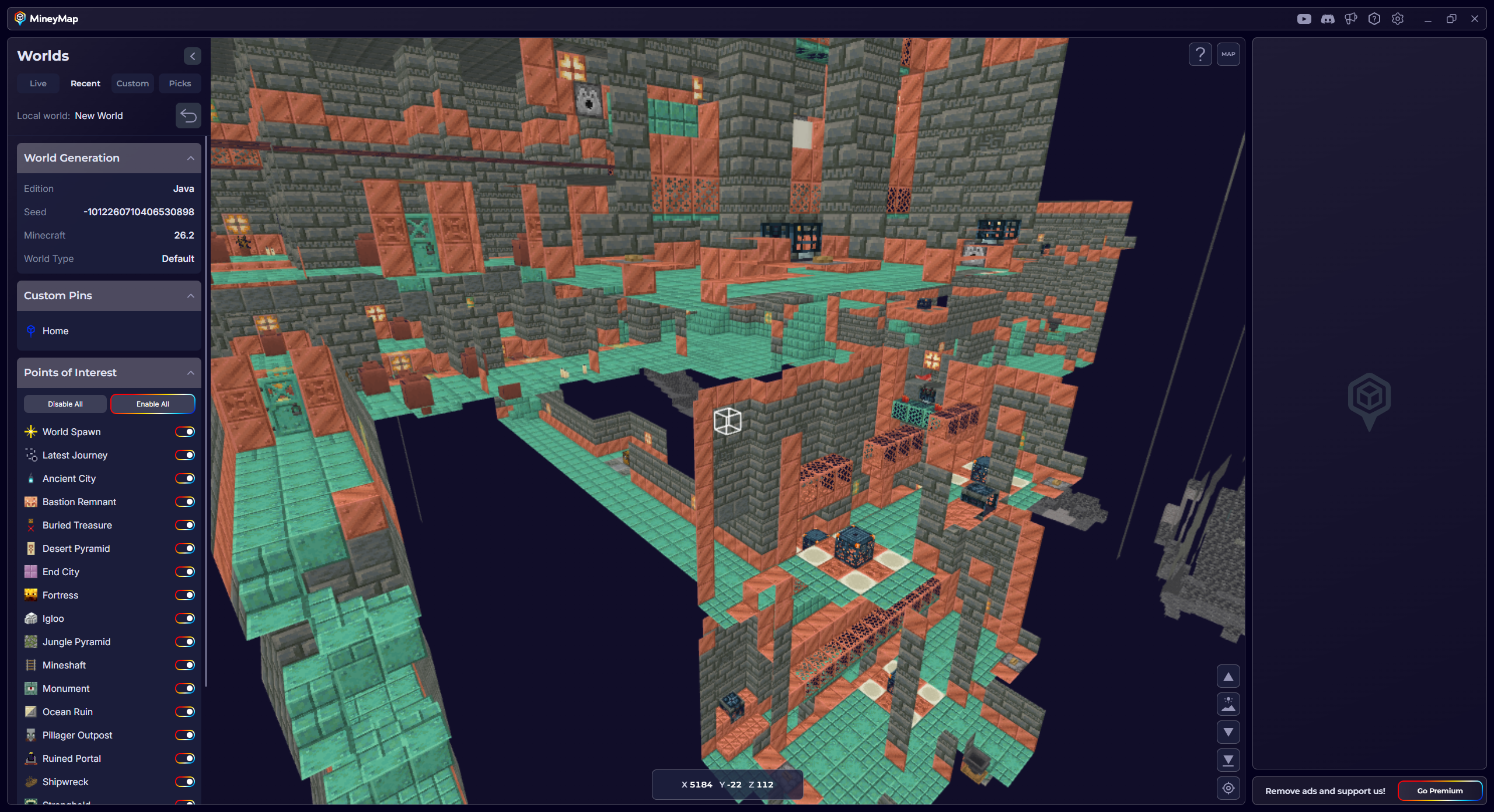
Explore Terrain in 3D
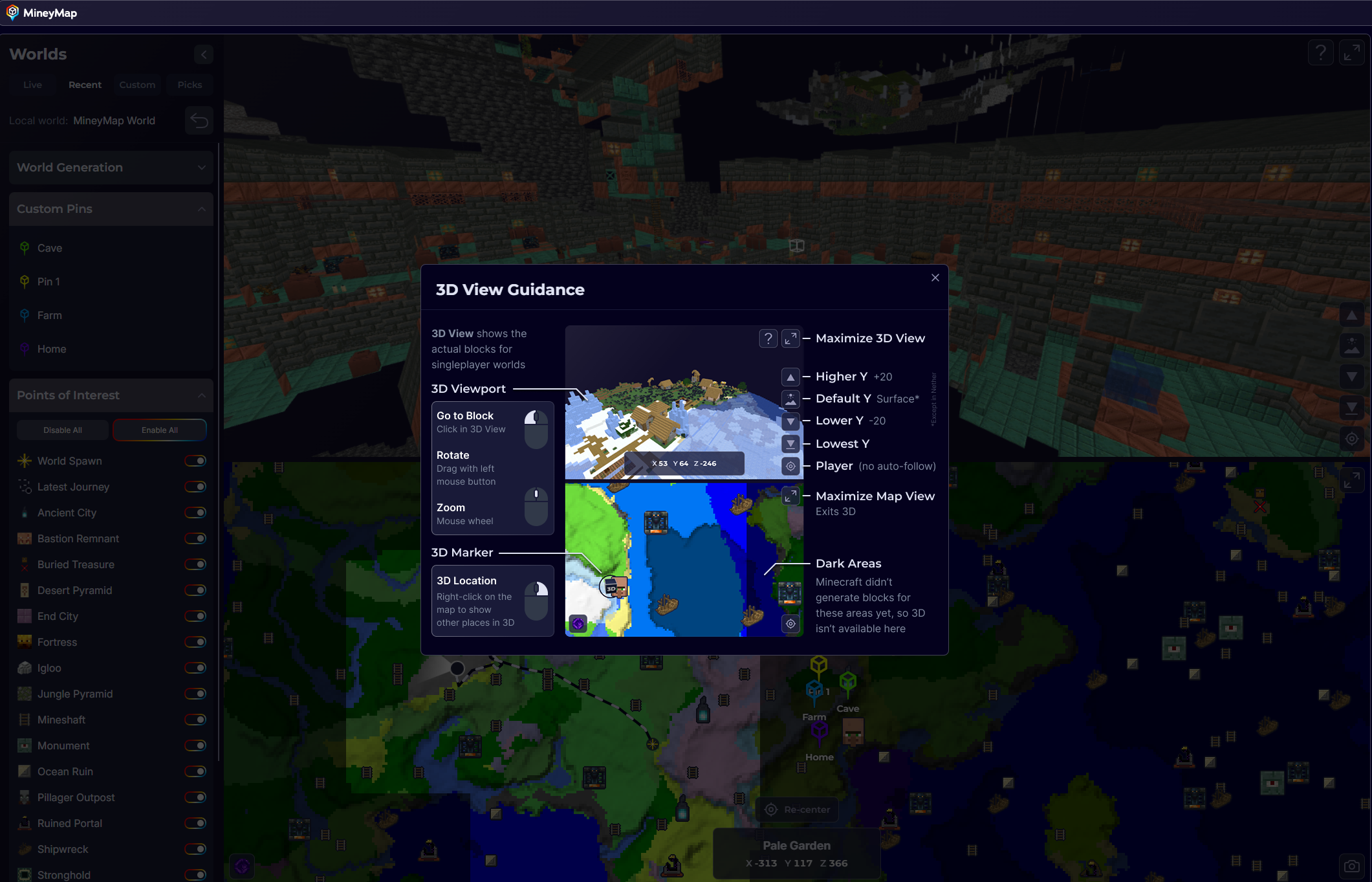
In supported Java singleplayer worlds, the 3D view turns explored terrain into a model you can rotate, zoom, and inspect from the surface down to bedrock. MineyMap can only display blocks Minecraft generated while you were nearby in game, based on the game's render distance. On the map, highlighted areas are available to view in 3D, darkened areas are unavailable, and purple areas are still being checked.
- Click a block on the 3D model to move the view directly to that location
- Use Default Y to reset the vertical view to the surface
- Use Player to return to the player's current position
Switch Between Dimensions
MineyMap automatically follows you when you enter another dimension. You can also use the dimension button to switch manually between the Overworld and The Nether. To view The End map, enter The End in game.
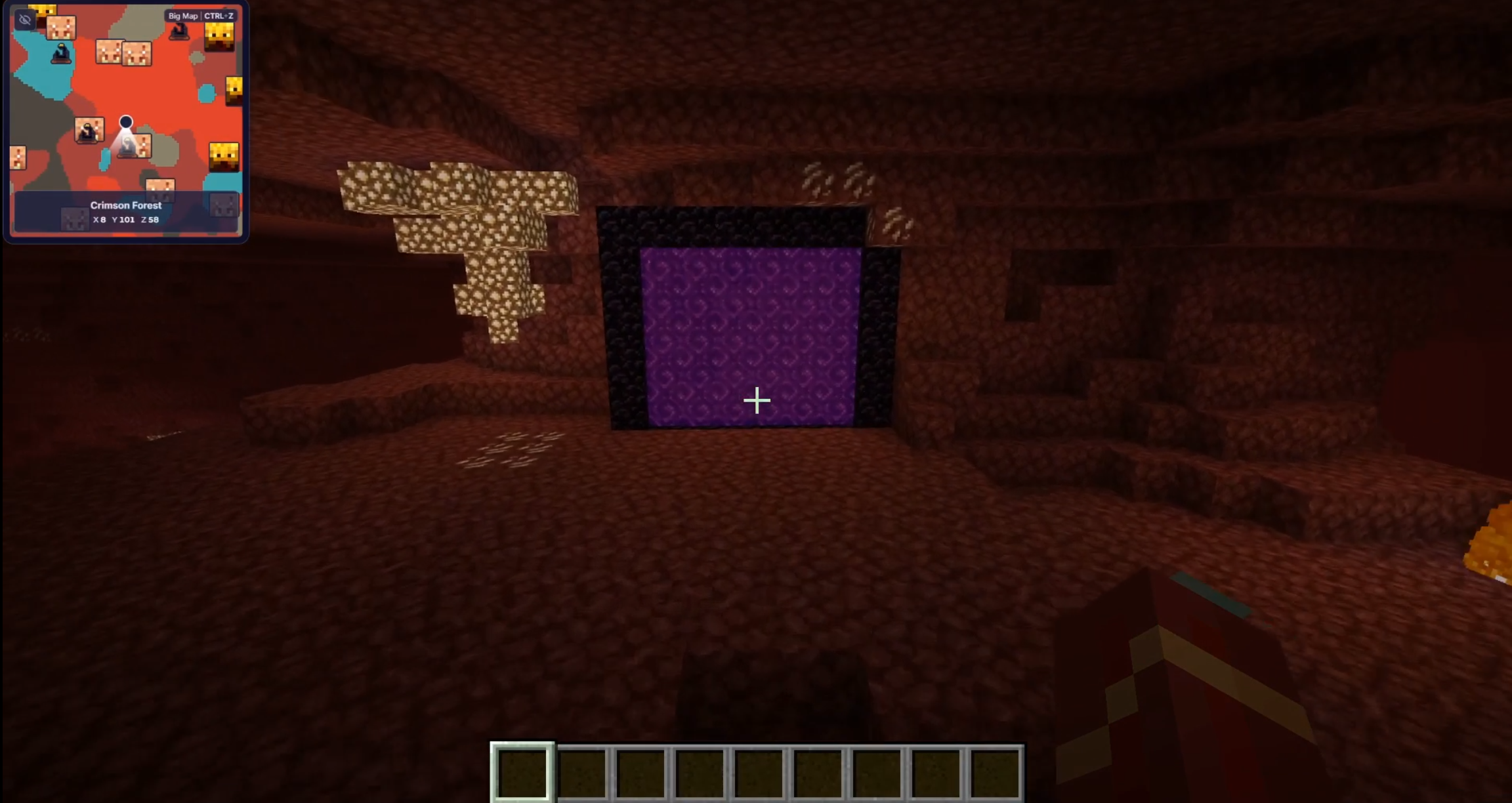
Plan Nether Portals with the Ghost Marker
On Java, a faded ghost marker shows the corresponding location in the other dimension. While you are in The Nether, it shows where that position lines up in the Overworld, and vice versa. MineyMap accounts for the 1:8 distance relationship, helping you choose where to build a portal based on where it should lead on the other side.